

While importing Aria Operations in an existing environment in Aria Suite Lifecycle fails with this error LCMVROPSYSTEM25056. Thankfully, the message was clear that SSH needs to be enabled.
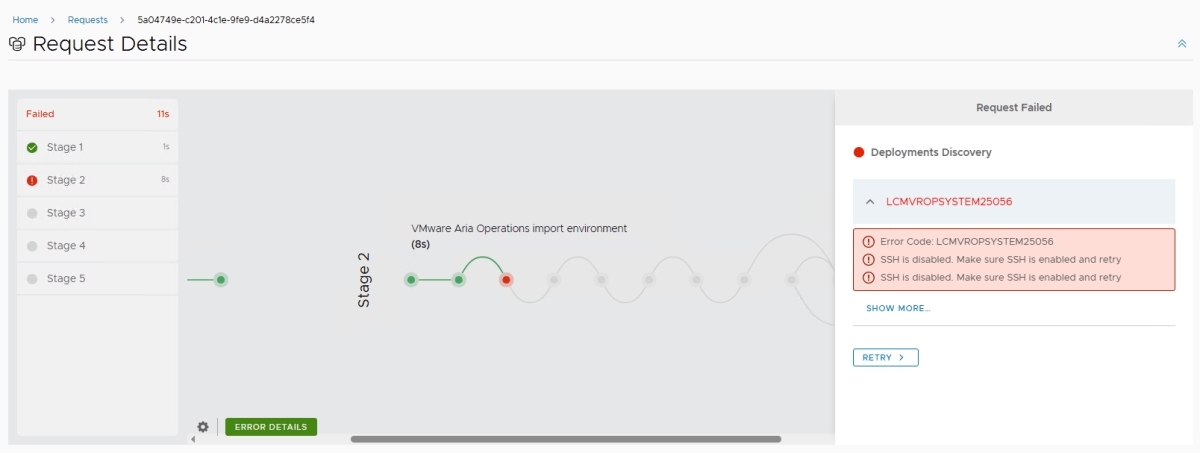
Where to enable it?
Go to https://<vROPs_FQDN>/admin and in System Status tab, look for nodes and toggle SSH status.

You can also enable it from command-line by taking SSH console to a node and run following commands:
systemctl start sshd 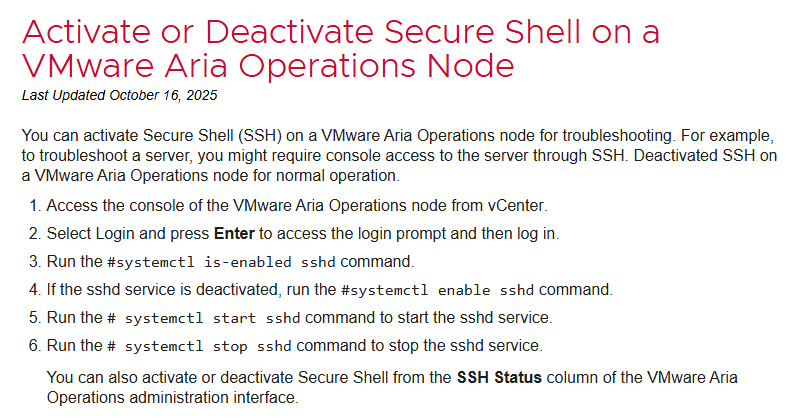
Once done, go back to Aria Suite lifecycle and Click Retry on that failed request or trigger a fresh one.
If failing at LCMVROPSYSTEM25050
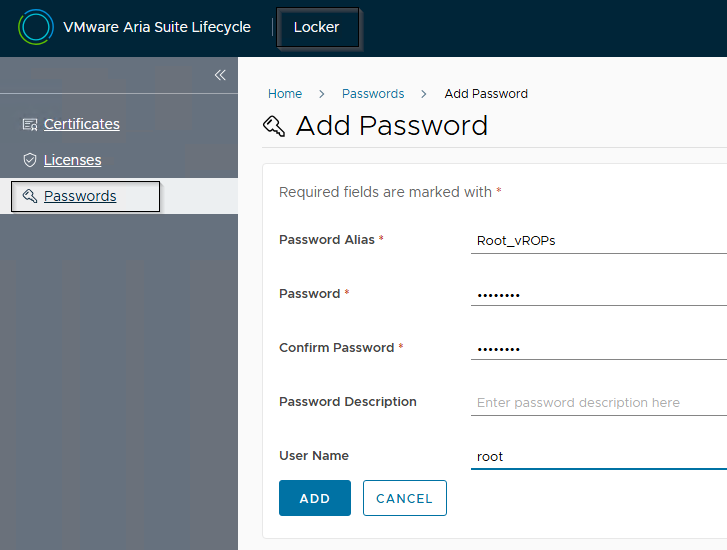
You may need to add a new password set in Locker for allowing Lifecycle to take SSH of vROPs.
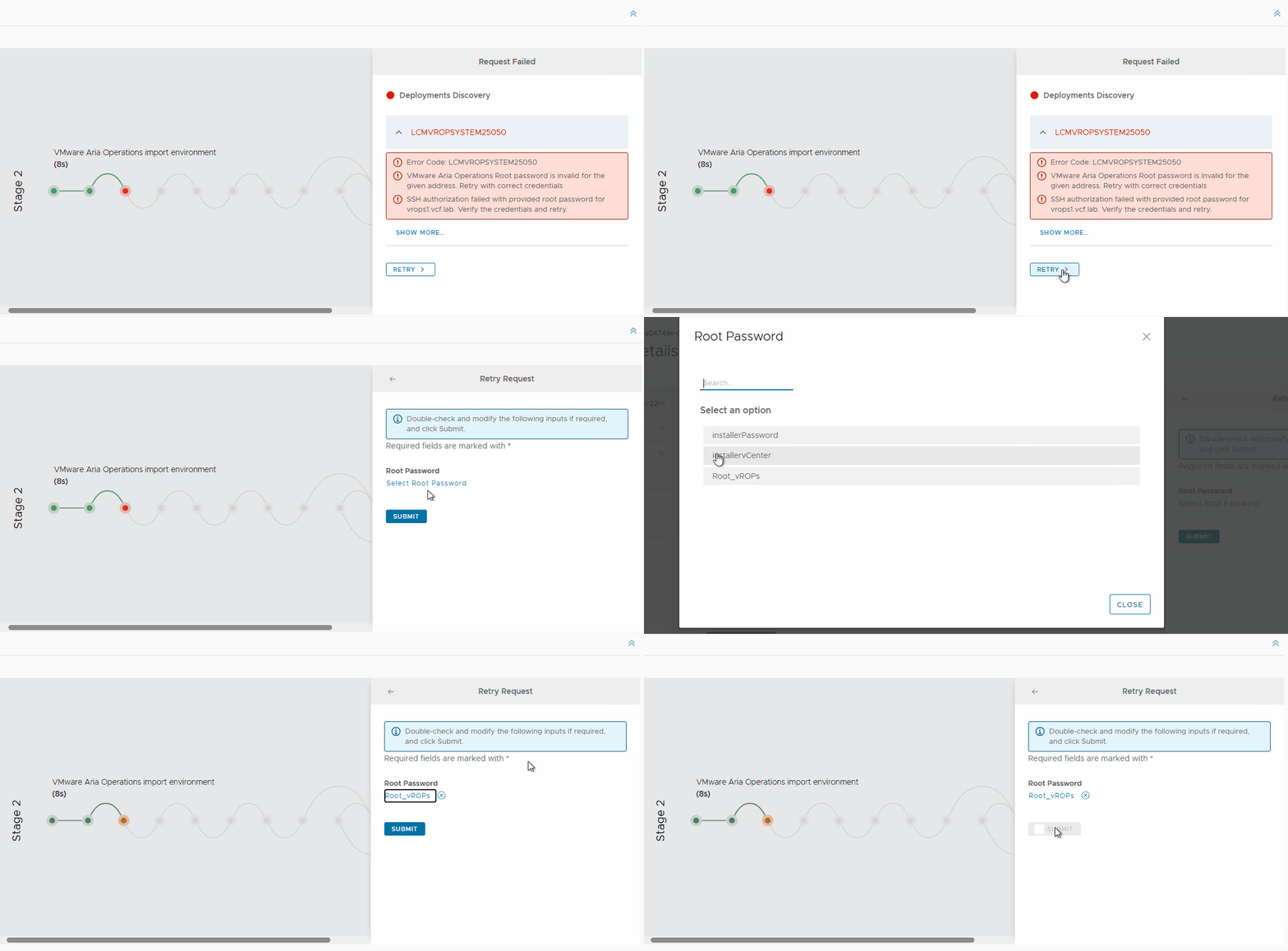
Follow this blog, if you keep getting the error as you may need to reset your root password for Aria Operations nodes. This implies that you either have an incorrect root password or the password is expired.
Discover more from Cloud Blogger
Subscribe to get the latest posts sent to your email.













