
In this article

Sometimes, we want to get a specific entity in our vRO workflows or actions. The best way is to use Server.findAllForType(ObjectType, query), pass some kind of ID in the query, and you’re good to go.
However, in some cases the ID isn’t unique or reliable enough. Let’s say you work in a multi-environment setup where you promote code through different environments, but the IDs of these entities don’t remain the same. In that case, the code will fail.
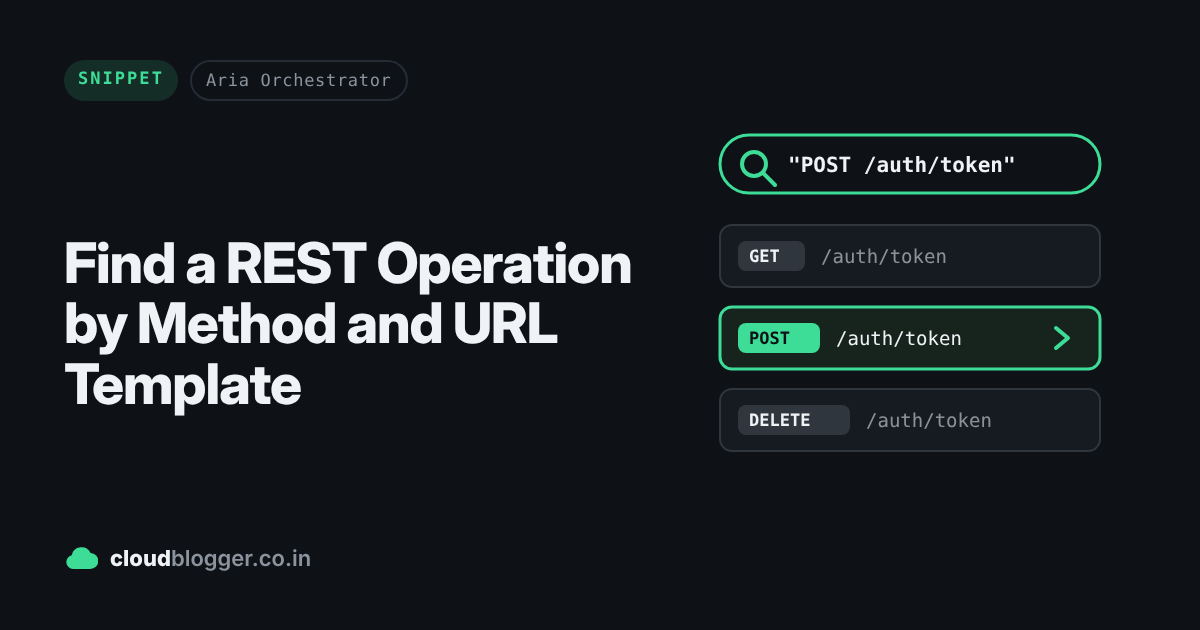
Therefore, I created this script to get the REST operation based on its method & urlTemplate attributes. I tried finding the REST operation using findAllForType on the basis of the name attribute, but it didn’t work. What really worked was the urlTemplate attribute. But urlTemplate alone won’t be enough, as any URL can have multiple methods like GET /url/entity or POST /url/entity. However, the combination of method and URL is always unique per REST host.

var restOp = "POST /auth/token"; // make this a string input
var method = restOp.split(" ")[0];
var url = restOp.split(" ")[1];
var searchedOps = Server.findAllForType("REST:RESTOperation", url);
for (var i = 0; i < searchedOps.length; i++) {
    if (searchedOps[i].method == method) {
        return searchedOps[i]; // REST:RESTOperation
    }
}
Remember that this script will return duplicate entries if multiple instances of the same tool are added to the vRO inventory. In that case, you’ll need a way to pick the right REST:RESTHost. You can do it by:
- Setting and getting custom properties with
Server.setCustomProperty();and creating an action to get the desired host. - Using
Server.findAllForType("REST:RESTHost")and matching on the name (keep it unique when adding the REST host). - Using a transient REST host.
Discover more from Cloud Blogger
Subscribe to get the latest posts sent to your email.
Enjoyed this post?
Was this helpful?














Leave a Reply