/**
 *
 * @module mayank.actions
 *
 * @version 1.0.0
 *
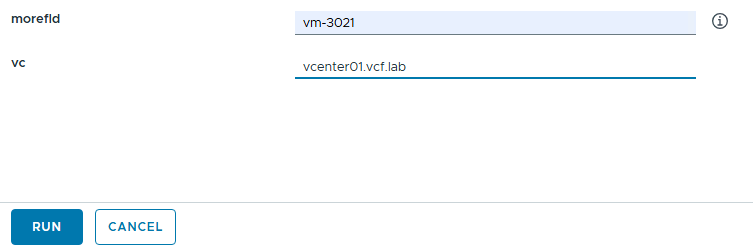
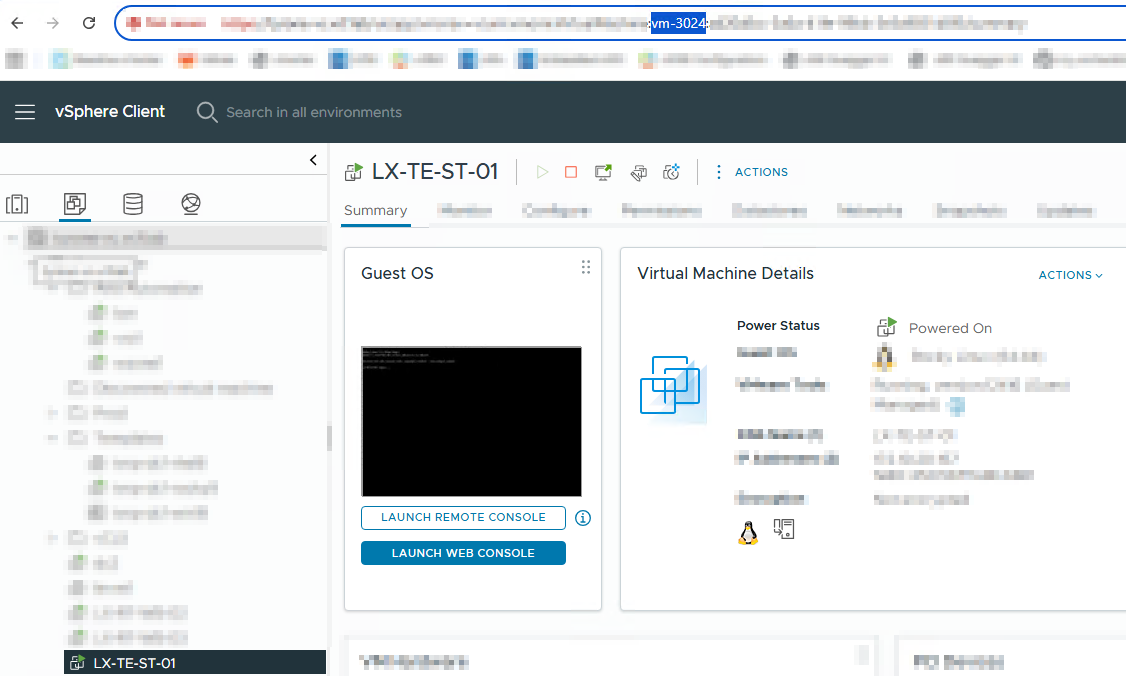
 * @param {string} morefId VM MorefId to find eg. vm-3021
 * @param {string} vc vCenter FQDN eg. vcenter.vcf.lab
 *
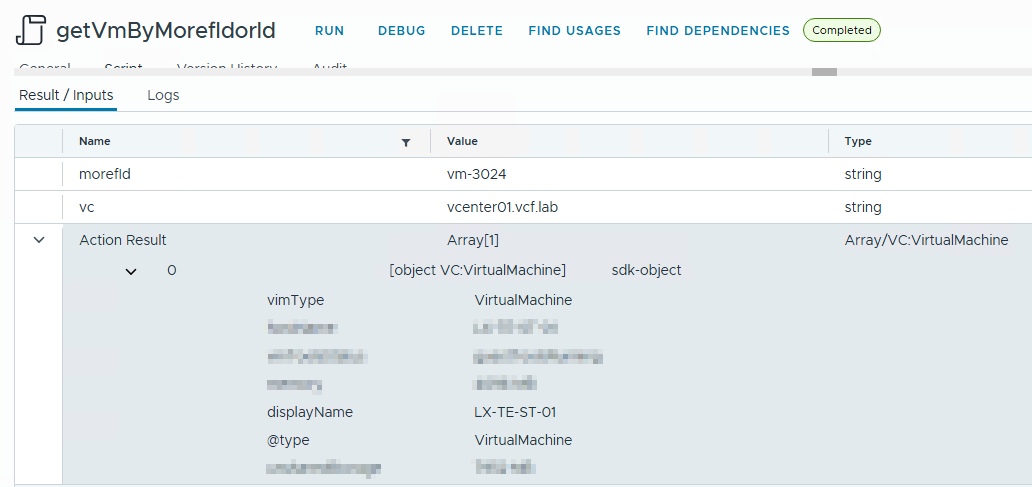
 * @outputType Array/VC:VirtualMachine
 *
 */
function getVmByMorefIdorId(morefId, vc) {
	if (vc) {
		var myVcPlugin = VcPlugin.allSdkConnections ;
		for each (var vcplug in myVcPlugin){
			var vcname = vcplug.name
			vcname = vcname.replace(':443/sdk','')
			vcname = vcname.replace('https://','')
			if (vcname == vc){
			break}
			}
		}
		else {
			var vcplug = VcPlugin
			}
	System.log(vcplug)


	vms = new Array();
		var found = vcplug.getAllVirtualMachines(null, "xpath:id[translate(.,'abcdefghijklmnopqrstuvwxyz','ABCDEFGHIJKLMNOPQRSTUVWXYZ')='" + morefId.toUpperCase() + "']");
		System.log(found)
		for (var j in found) {
			vms.push(found[j]);
		}
	return vms;
}
Discover more from Cloud Blogger
Subscribe to get the latest posts sent to your email.