

In an Aria Automation embedded Orchestrator or a CExP Orchestrator which is authorized via Aria Automation, there is a quick and dirty way to get the Bearer token which can later be used to make subsequent REST calls in either Orchestrator itself or in Aria Automation. It is very useful during prototyping.
Create a Python action in Orchestrator and copy-paste this script.
def handler(context, inputs):
    outputs = context['getToken']()
return outputsEquivalent code in Node.js
exports.handler = (context, inputs, callback) => {
  let bearerToken = context[‘getToken’]();
  bearerToken.then( result => {
    console.log(result);
  });
}Once you save and run this action, it will return the Bearer token.
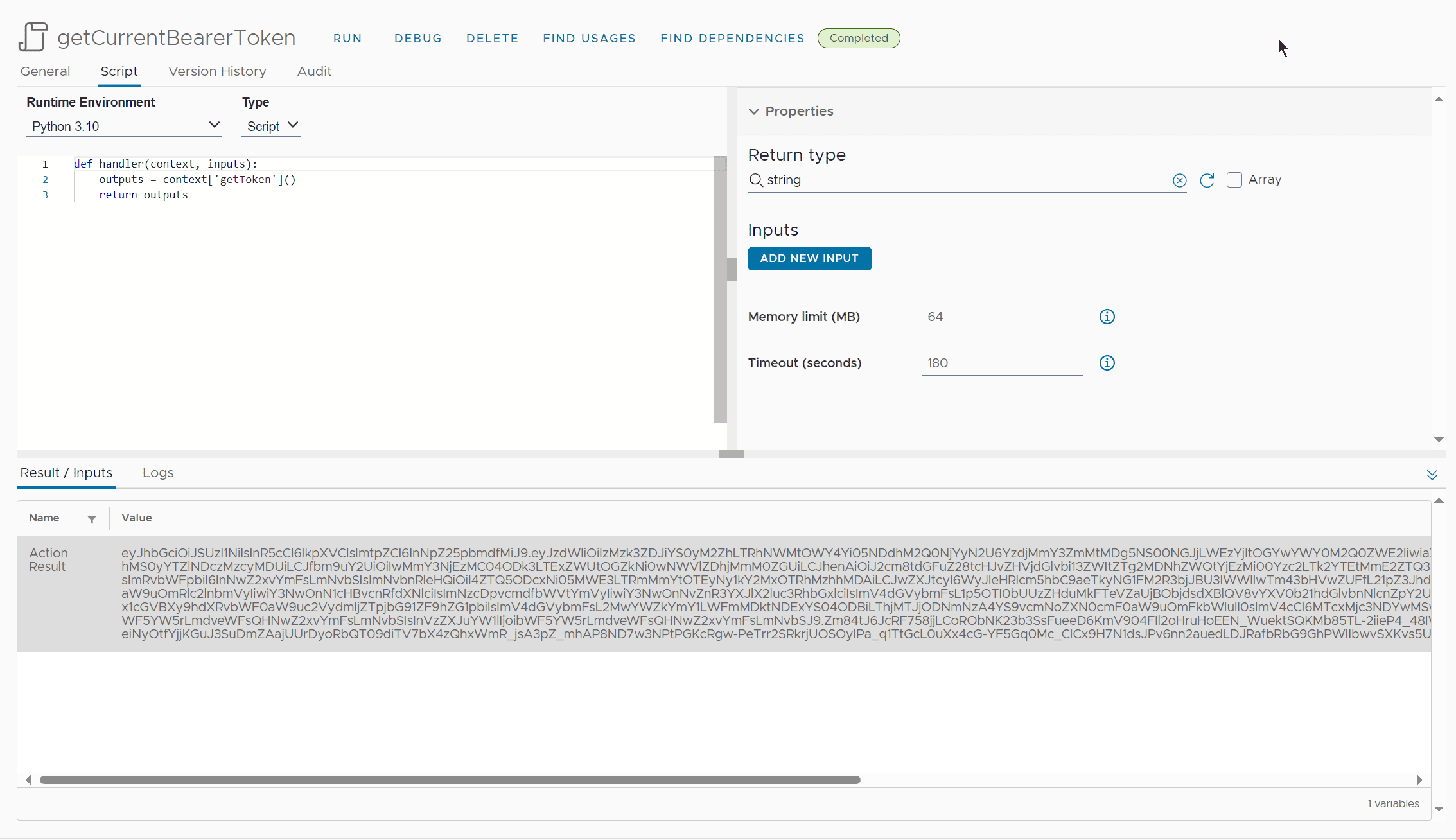
Use this action in your workflows or call it inline.
Make sure you use this token either to make calls to the same Orchestrator or the Automation which is used to authenticate that Orchestrator. That means if A1 is set to authenticate O1 then this action will only work for calls made to O1 and A1.
Note that this method will not work in a Standalone Orchestrator because it doesn’t use Bearer token, rather uses Basic Authentication via vCenter.
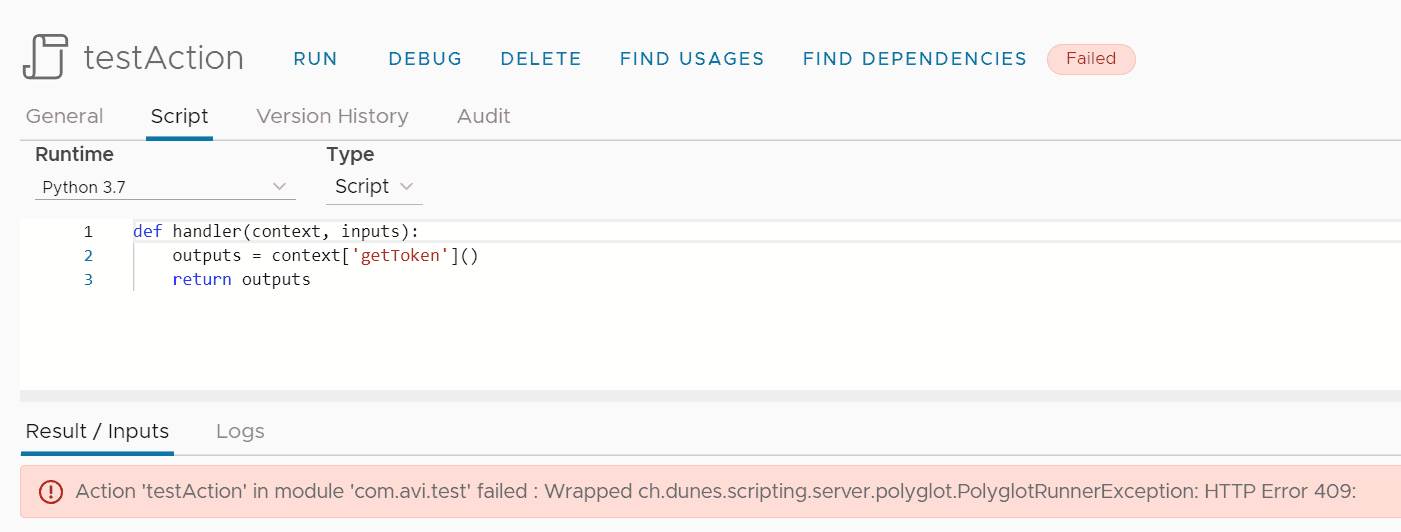
Learn more about the different Orchestrator types on my blogpost 3 Types of Aria Automation Orchestrator [CB10130]
How to get the Bearer token in more reliable way
Approach #1 Username\Password -> Refresh Token -> Bearer Token
While the above mentioned method is really straight to the point and helps you to do quick prototyping. It may not be reliable when you are triggering vRO Workflows from an external tool. What to do then.
Just use the below code
- provide username & password to get the refresh token.
/**
* @description Makes a POST REST call to https://vra.lab/csp/gateway/am/api/login?access_token=null
* @author curl2vRO (https://curl2vro.onrender.com/)
* @version 1.0.0
* @date 2025-07-02
*/
// Accept SSL certificate
var ld = Config.getKeystores().getImportCAFromUrlAction();
var model = ld.getModel();
model.value = "https://vra.lab/csp/gateway/am/api/login?access_token=null";
var error = ld.execute();
if (error) {
throw new Error("Failed to accept certificate for URL: " + "https://vra.lab/csp/gateway/am/api/login?access_token=null" + ". Error: " + error);
}
// Create transient REST host
var restHost = RESTHostManager.createHost("dynamicRequest");
var httpRestHost = RESTHostManager.createTransientHostFrom(restHost);
httpRestHost.operationTimeout = 600;
httpRestHost.url = "https://vra.lab";
// Create REST request
var request = httpRestHost.createRequest("POST", "/csp/gateway/am/api/login?access_token=null", JSON.stringify({ "username": "username", "password": "pa$$w0rd" }));
// Add headers
request.setHeader("Content-Type", "application/json");
request.setHeader("Accept", "application/json");
// Execute REST request
var response = request.execute();
// Handle response
if (response.statusCode == 200) {
System.log("Request successful");
var responseContent = JSON.parse(response.contentAsString);
System.log(JSON.stringify(responseContent));
return responseContent.refresh_token;
} else {
throw "Request failed with status: " + response.statusCode;
}
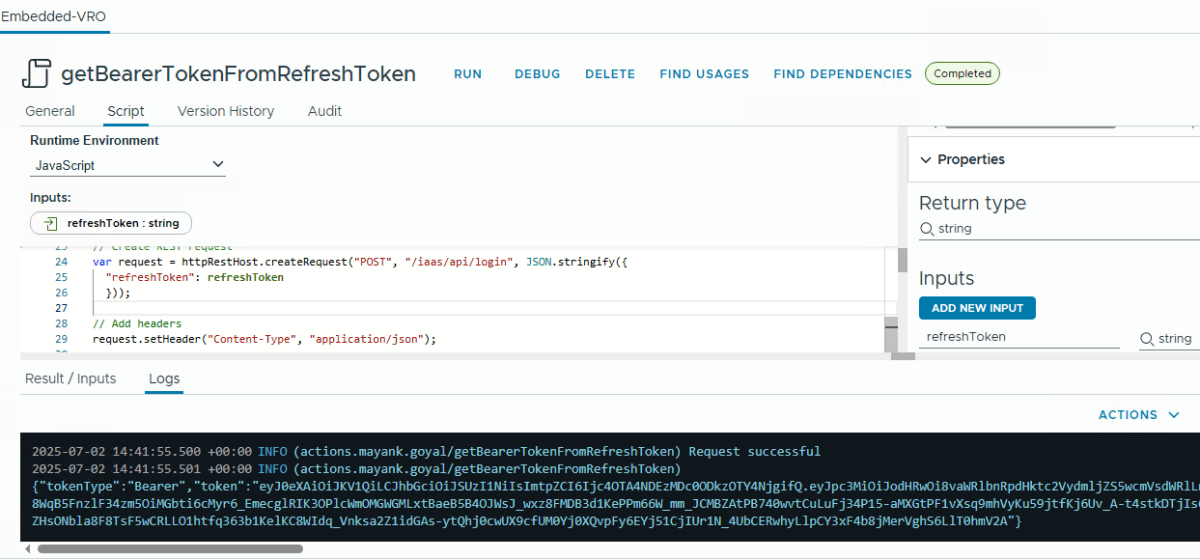
- and use that refresh token to generate bearer token.
/**
* @description Makes a POST REST call to https://vra.lab/iaas/api/login
* @author curl2vRO (https://curl2vro.onrender.com/)
* @version 1.0.0
* @date 2025-07-02
*/
// Accept SSL certificate
var ld = Config.getKeystores().getImportCAFromUrlAction();
var model = ld.getModel();
model.value = "https://vra.lab/iaas/api/login";
var error = ld.execute();
if (error) {
throw new Error("Failed to accept certificate for URL: " + "https://vra.lab/iaas/api/login" + ". Error: " + error);
}
// Create transient REST host
var restHost = RESTHostManager.createHost("dynamicRequest");
var httpRestHost = RESTHostManager.createTransientHostFrom(restHost);
httpRestHost.operationTimeout = 600;
httpRestHost.url = "https://vra.lab";
// Create REST request
var request = httpRestHost.createRequest("POST", "/iaas/api/login", JSON.stringify({
"refreshToken": refreshToken
}));
// Add headers
request.setHeader("Content-Type", "application/json");
// Execute REST request
var response = request.execute();
// Handle response
if (response.statusCode == 200) {
System.log("Request successful");
var responseContent = JSON.parse(response.contentAsString);
System.log(JSON.stringify(responseContent));
return responseContent.token;
} else {
throw "Request failed with status: " + response.statusCode;
}
Approach #2 Username\Password -> Bearer Token
/**
* @description Makes a POST REST call to https://vra.lab/csp/gateway/am/api/login
* @author curl2vRO (https://curl2vro.onrender.com/)
* @version 1.0.0
* @date 2025-07-03
*/
// Accept SSL certificate
var ld = Config.getKeystores().getImportCAFromUrlAction();
var model = ld.getModel();
model.value = "https://vra.lab";
var error = ld.execute();
if (error) {
throw new Error("Failed to accept certificate for URL: https://vra.lab" + ". Error: " + error);
}
// Create transient REST host
var restHost = RESTHostManager.createHost("dynamicRequest");
var httpRestHost = RESTHostManager.createTransientHostFrom(restHost);
httpRestHost.operationTimeout = 600;
httpRestHost.url = "https://vra.lab";
// Create REST request
var request = httpRestHost.createRequest("POST", "/csp/gateway/am/api/login");
// Add headers
request.setHeader("Content-Type", "application/json");
// Set request body
request.contentType = "application/json";
request.content = JSON.stringify({
"username": username,
"password": pa$$w0rd
});
// Execute REST request
var response = request.execute();
// Handle response
if (response.statusCode >= 200 && response.statusCode < 300) {
System.log("Request successful");
try {
// Try to parse JSON response
var responseContent = JSON.parse(response.contentAsString);
System.log(JSON.stringify(responseContent, null, 2));
return responseContent;
} catch (e) {
// If not JSON, return as text
System.log(response.contentAsString);
return response.contentAsString;
}
} else {
var errorMessage = "Request failed with status: " + response.statusCode;
try {
// Try to include error details from response
var errorContent = JSON.parse(response.contentAsString);
errorMessage += " - " + (errorContent.message || errorContent.error || JSON.stringify(errorContent));
} catch (e) {
errorMessage += " - " + response.contentAsString;
}
throw errorMessage;
}Reference
Discover more from Cloud Blogger
Subscribe to get the latest posts sent to your email.














Excellent tip, thank you for sharing.
Here the equivalent with Node.js:
exports.handler = (context, inputs, callback) => {
  let bearerToken = context[‘getToken’]();
  bearerToken.then( result => {
    console.log(result);
  });
}