One of my clients is migrating from Aria Automation SaaS to on-premises version. While migrating subscriptions, we noticed that some of the subscriptions were not allowing us to attach orchestrator workflows to itself. It was failing with this error message. Turned out that there was a count limit on blocking subscriptions you can have per event topic if the platform is deployed on on-premises. Check Maximums here.

How to fix it
1. SSH / PuTTy into one Aria Automation virtual appliance (pick one in case of cluster).

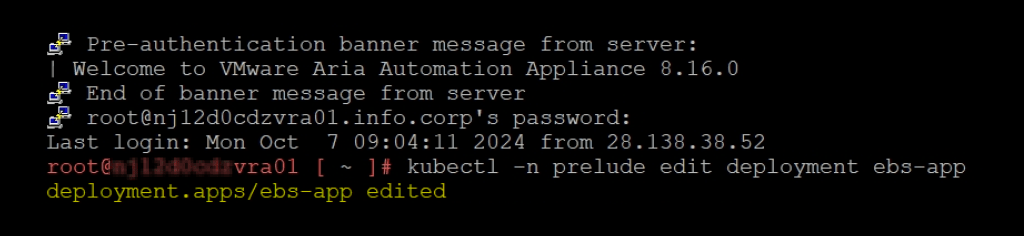
2. Login with root credentials. Edit the ebs-app service deployment by running the following command
kubectl -n prelude edit deployment ebs-app3. Add the following property in the JAVA_OPTS list to the max value required
-Dmax.non.blocking.subscriptions.per.org=100
-Dmax.blocking.subscriptions.per.org=200 Update [25-06-2026]: I have added property for non-blocking subscriptions as well. Choose a number 100 or 200 or whatever based on your environment requirements.

Note: To edit, move the cursor to the line where you want to make the change, and press the i key on the keyboard to enter insert mode. Change the value. Be careful with spacing, do not use TABs. Save the changes, press the escape key on the keyboard, and then save the change by pressing :wq. If you make a mistake you can exit without saving by entering :q! instead.
If changes where made the ebs-app will automatically redeploy.
4. Monitor the ebs-app pod’s restart by running watch kubectl get pods -n prelude -w within the Aria Automation SSH session. Once the pods are restarted and in a Ready state, try adding more subscriptions.

Discover more from Cloud Blogger
Subscribe to get the latest posts sent to your email.