In this article, we will explore the process of automating the PUSH and PULL functions in Aria Automation Orchestrator. This capability is not initially integrated into the Orchestrator and needs to be implemented separately. I encountered a scenario where a client required synchronization with a remote repository to occur automatically overnight, on a scheduled basis, without intervention from the developers. Below, I will detail the approach I took. Prior to that, let us examine the advantages of establishing an automated push/pull mechanism.
Orchestrator tracks the version history of the following objects:
- Workflows
- Actions
- Packages
- Policies
- Resource elements
- Configuration elements
- Action Environments
Generated workflows do not appear in the workflow version history. For example, the workflows generated by the Generate CRUD workflows for a table workflow do not appear on the Version History tab and cannot be pushed to any configured Git repositories. To include these workflows in Orchestrator version history, duplicate the generated workflows.
Benefits
Using automation for pushing and pulling changes to a Git remote repository provides several benefits:
- Time-saving: Automation eliminates the need for manual intervention, saving time and effort for developers.
- Consistency: Automated push and pull processes ensure that changes are consistently and regularly synchronized between the local and remote repositories.
- Reduced human error: Manual operations can lead to human errors, while automation helps to minimize such errors, improving the overall reliability of version control.
- Efficiency: Automating these tasks allows team members to focus on code development and collaboration rather than managing repetitive Git commands.
- Improved collaboration: With automated synchronization, team members can more effectively collaborate on code without being concerned about manually updating or retrieving the latest changes.
- Version control: By automating the push and pull processes, you ensure that the codebase remains up-to-date, facilitating proper version control and tracking changes over time.
Overall, automating the push and pull processes for a Git remote repository enhances productivity, consistency, and collaboration within development teams.
Prerequisite
- Aria Automation Orchestrator (here, v8.16.1 CEXP)
- Remote Repo in one of SCM tool like GitHub, GitLab, Bitbucket etc.
- Configuration of remote repo in Orchestrator. Steps here.
- Download Workflow Package from GitHub
Process
Note It is important to note that the following discussion is based on an ideal scenario, and adjustments may be necessary to accommodate specific requirements.
We will be utilizing the REST API to interact with Orchestrator for our use-case. Fundamentally, there are 3 parts to this process.
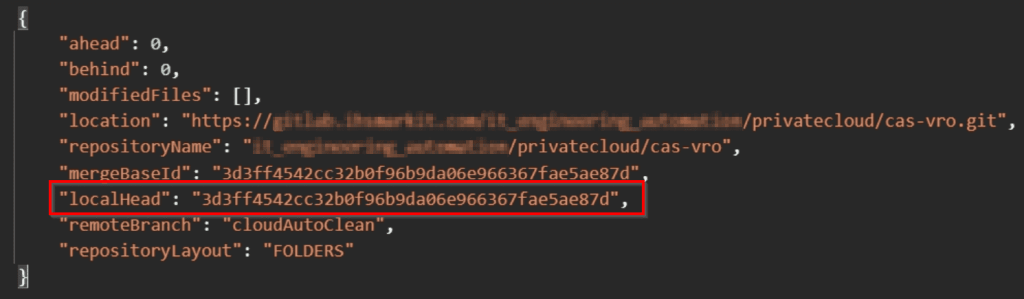
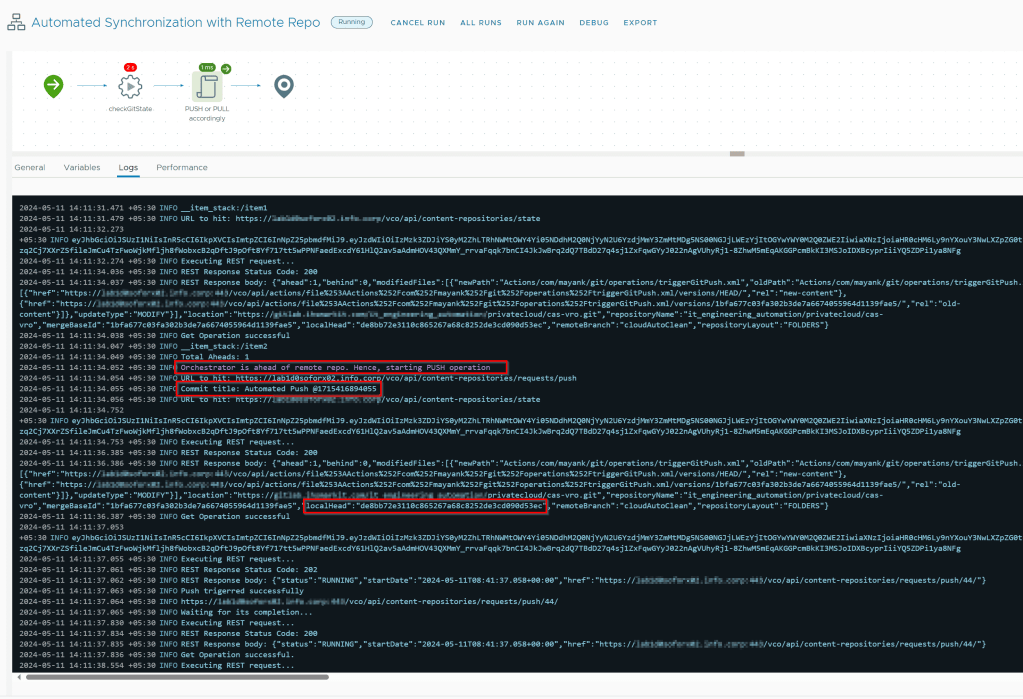
- Check the git status: In this, we have to check whether the remote repository is ahead or behind of Orchestrator local repo. Ahead counter increases when you make new changes in orchestrator where as Behind counter defines the number of commits Orchestrator local repo is behind from remote repo. This also provide us the localHead value which is required to make a PUSH using REST call.

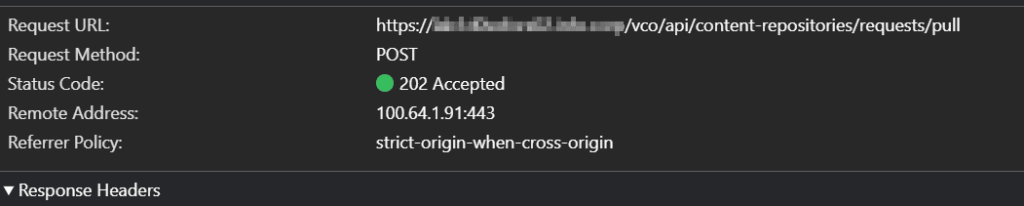
- Pull the remote changes: We make a PULL to fetch new changes made by other developers to local repo. Generally, a PULL operation can be time-taking depending on the number of changes, that is why we have to monitor the status of the PULL request.



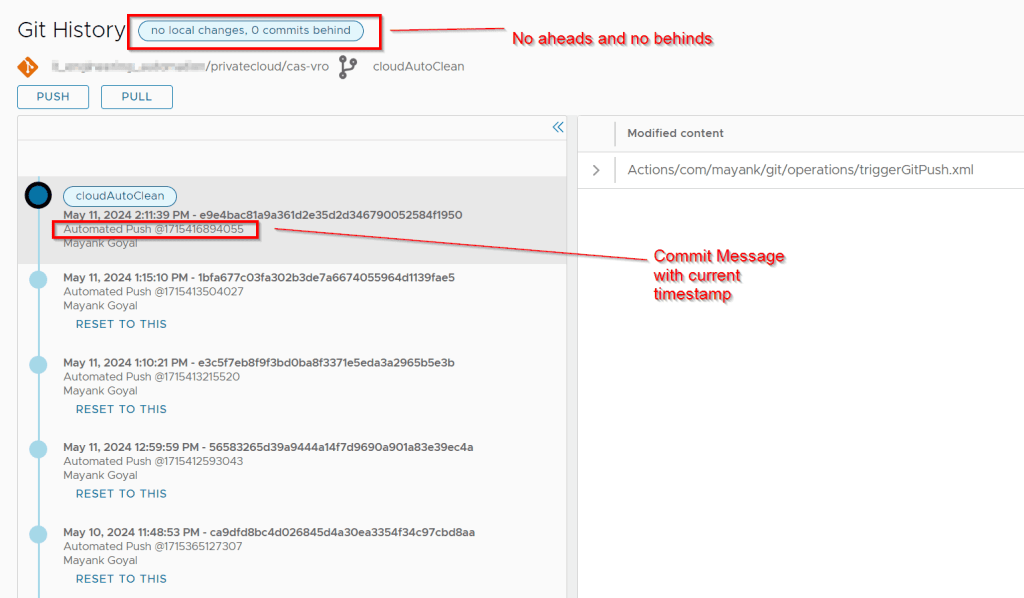
- Push the local changes: We make a PUSH to publish new local commits on a remote repo. Generally, a PUSH operation can also be time-taking depending on the number of changes, that is why we have to monitor the status of the PUSH request as well.

You need to provide a commit message when you push your changes to a remote repository. This is because Git needs to know what changes you are making and why.

Similar to PULL operation, we have to monitor the PUSH operation as well.

Workflow for automated process
I have developed a workflow for everyone’s use available here, which will allow you to PUSH and PULL operations in a automated fashion depending on aheads and behinds from your remote repo and will make you ready to work everyday with the latest code in remote repo as well all your last night changes pushed to remote repo so you don’t lost them. Isn’t that wonderful!
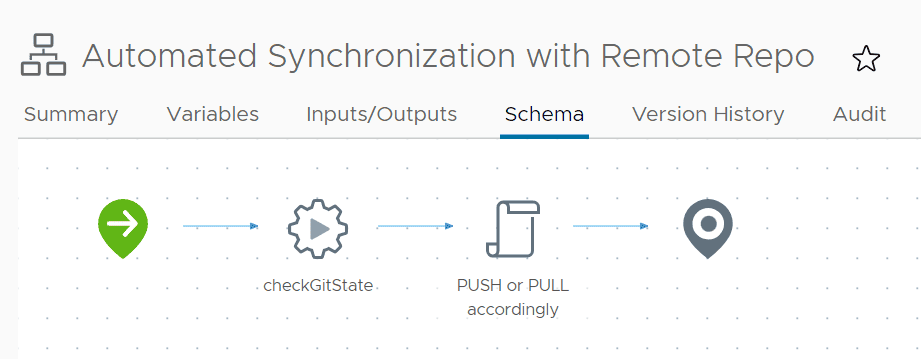
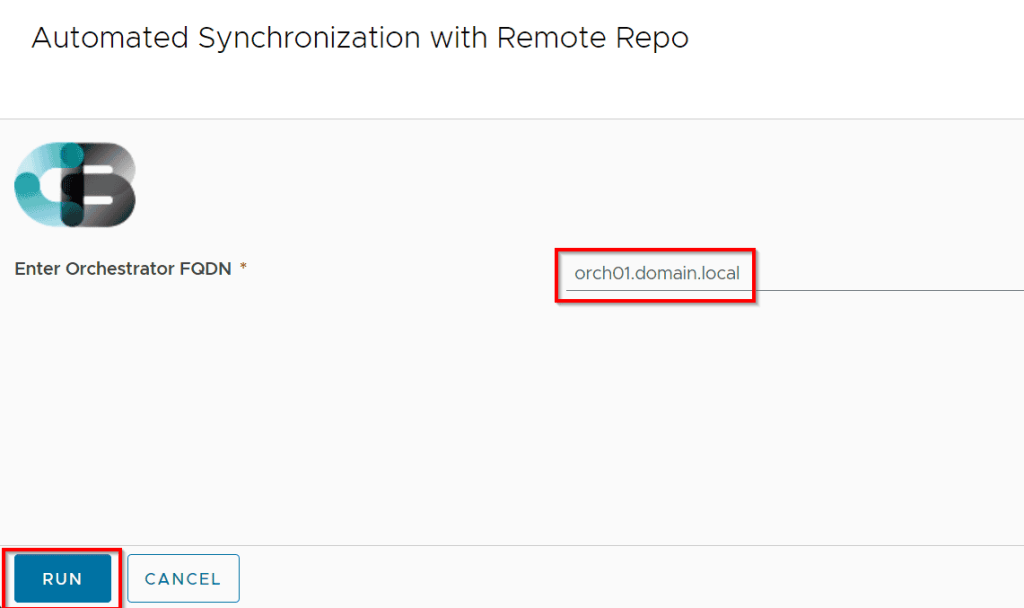
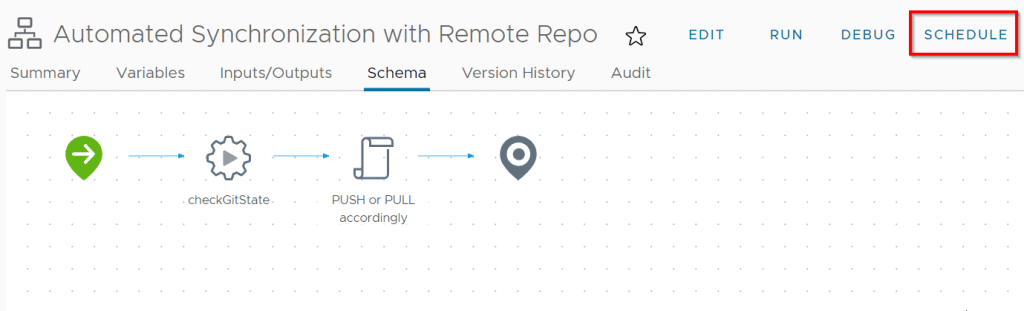
You may now schedule it for overnight, or weekly, or whatever suits you best. That’s all in this post.
Discover more from Cloud Blogger
Subscribe to get the latest posts sent to your email.