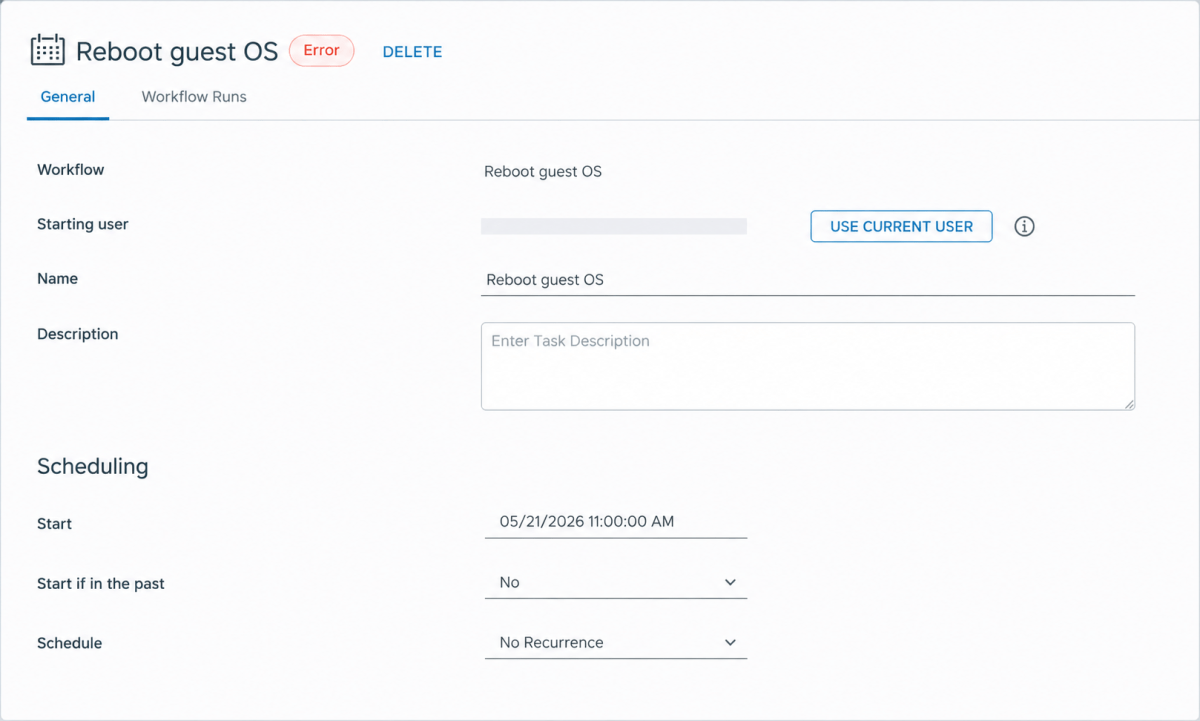
A common challenge when scheduling custom workflows in Orchestrator through Service Broker is that tasks fail when scheduled to run after a delay, such as overnight. While the workflow may succeed when run immediately, users experience failures on delayed execution.
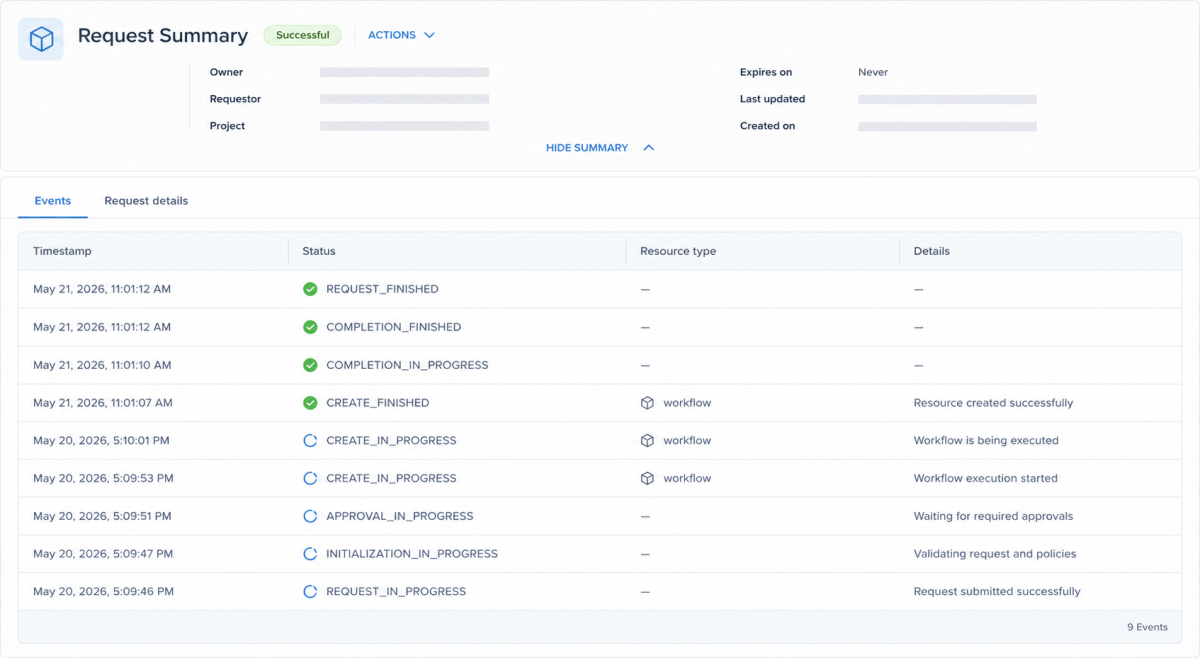
Inspecting the logs often shows the underlying problem is a token delegation failure, indicated by messages like 404 Not Found: "New access and refresh tokens cannot be obtained with the provided subject_token.".
The Root Cause: Token Expiration
The core issue is that the user’s execution token has a limited lifespan and times out after a period. This causes the scheduled task to lose the necessary access rights required to execute the workflow. The API Workaround
The reliable workaround is to update the execution user of the scheduled task to an admin service account. By using an admin account, the scheduled workflow runs with non-expiring credentials, allowing it to execute successfully regardless of the delay.
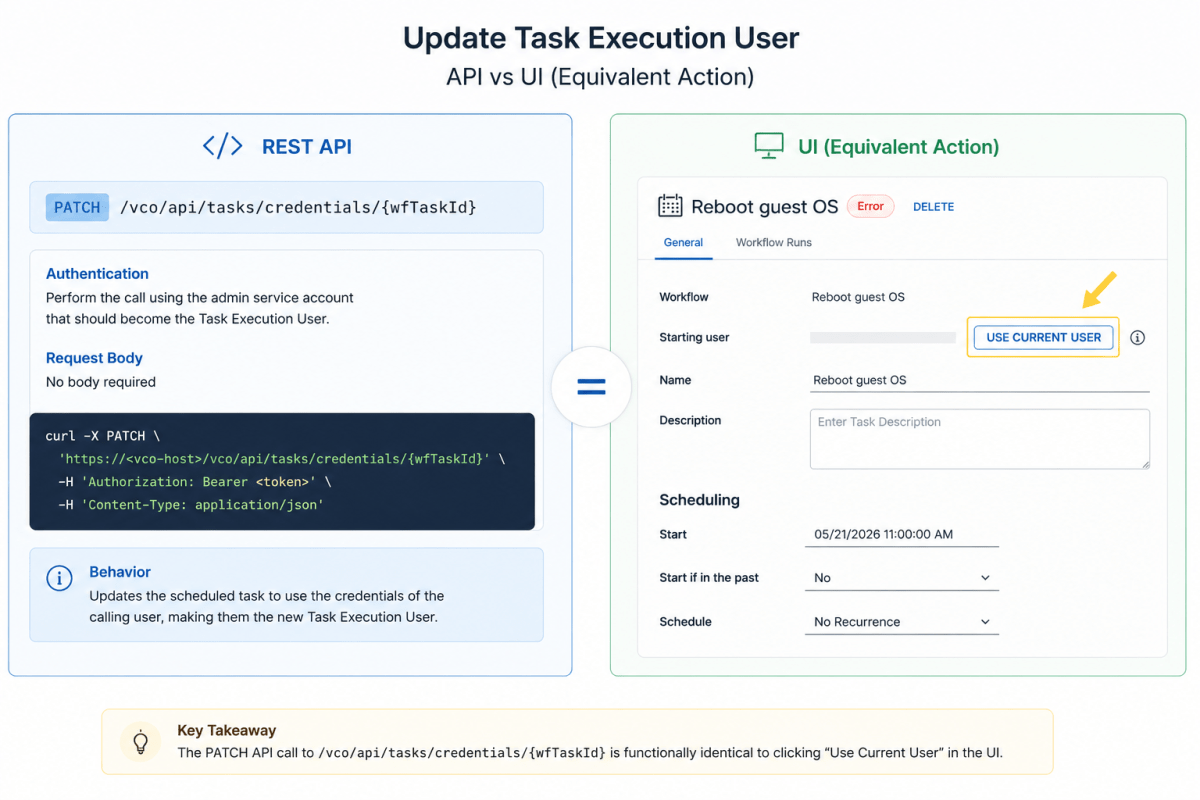
This can be accomplished using the following API call:
- Method:
PATCH - Endpoint:
/vco/api/tasks/credentials/{wfTaskId}
Implementation Details:
- No body is required for the API call.
- The call must be performed by the admin service account you wish to assign to the task. The execution credentials of the calling user will be used to update the scheduled task, effectively making the calling user the new “Task Execution User”.
- This process achieves the same result as manually selecting “Use Current User” for the scheduled task.
Discover more from Cloud Blogger
Subscribe to get the latest posts sent to your email.