Kicking Off the Day
The VMUG Delhi NCR Meetup was hosted at the Holiday Inn, Mayur Vihar, New Delhi, a venue that proved to be an excellent choice for the event. The spacious conference halls, comfortable seating, and well-organized arrangements created a professional yet welcoming atmosphere for a day dedicated to learning and networking.
I arrived early in the morning and headed straight to the registration desk to collect my vExpert event badge and lanyard. One thing I always appreciate about VMUG events is the attention to detail. Instead of a generic badge for everyone, attendees were recognized based on their roles within the community. There were dedicated badges for Attendees, Volunteers, Speakers, and vExperts. As a VMware vExpert, it was great to wear the vExpert badge and reconnect with many familiar faces from the community.
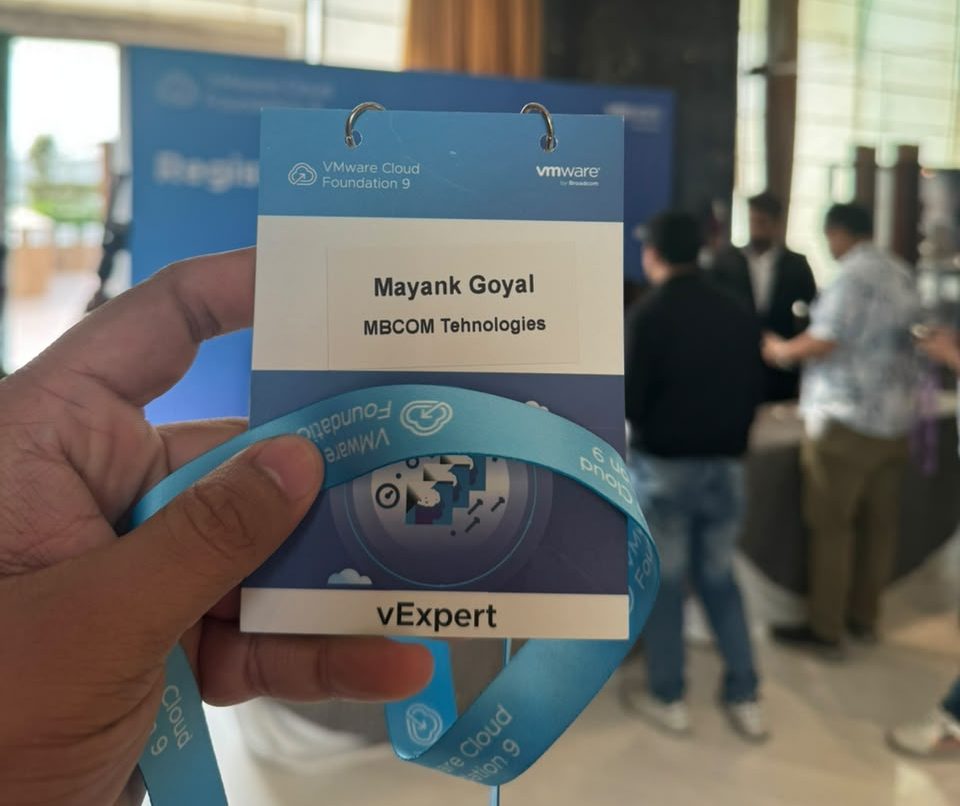
Then, had some welcome refreshments like some hot tea, coffee, cookies, and light snacks just to get the day started,
At around 9:00 AM, the technical sessions officially kicked off. Throughout the day, we attended multiple presentations delivered by VMware by Broadcom experts, covering the latest advancements across VCF 9.1 mainly on VCF Automation, Avi & vDefend, Private AI and around security concerns in this AI era. Each session was followed by engaging discussions and audience questions, making the event highly interactive rather than just a series of presentations.
To keep the energy high, the organizers hosted several quiz rounds between sessions. Participants who answered correctly walked away with some great VMUG merchandise and gifts (from the event sponsor Koenig Solutions). The grand finale was particularly exciting as top ten winners received Broadcom VCP certification exam vouchers, each worth approximately USD 250.
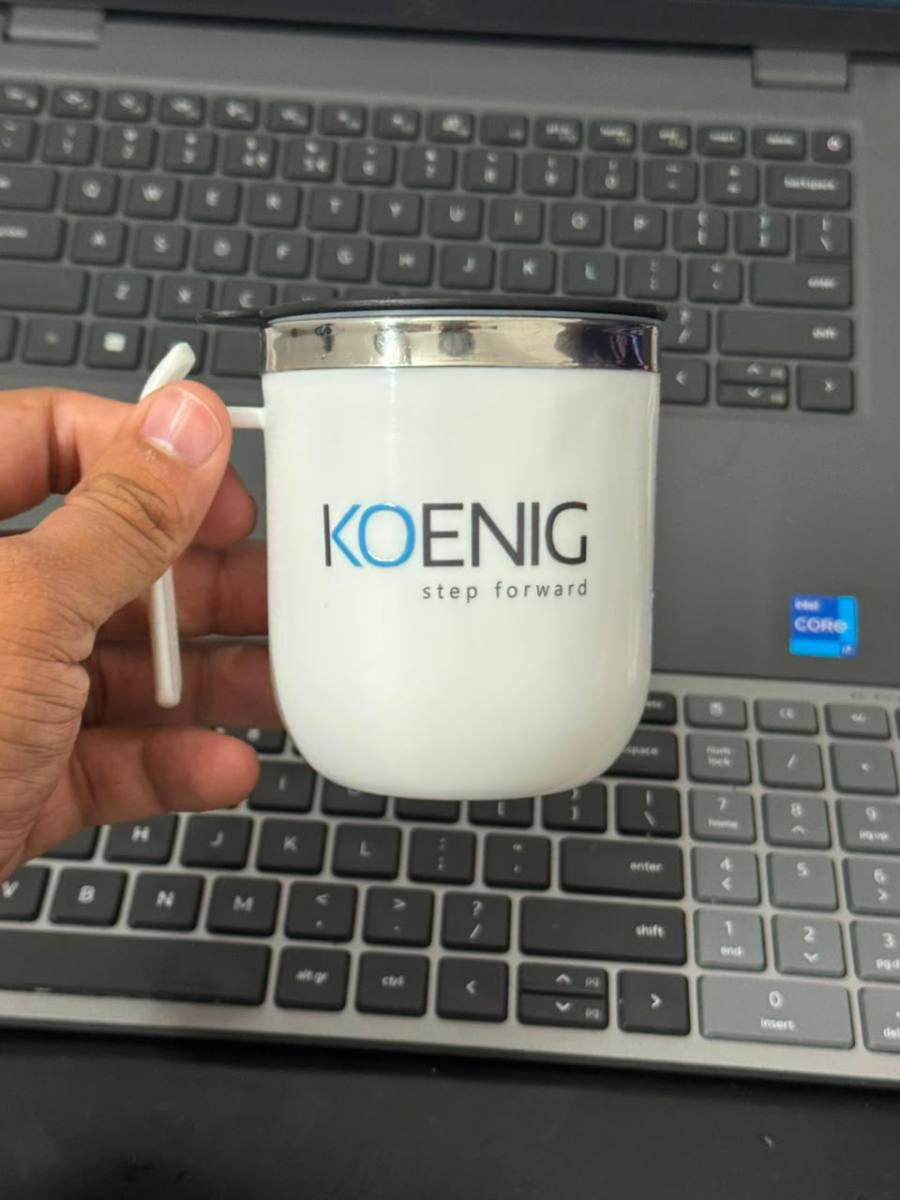
They even presented every attendee with a thoughtful return gift – a nice little sponsor-branded tea mug that will certainly become part of my daily workspace.
Not to forget the grand lunch buffet too which I really enjoyed as well! 🍽️
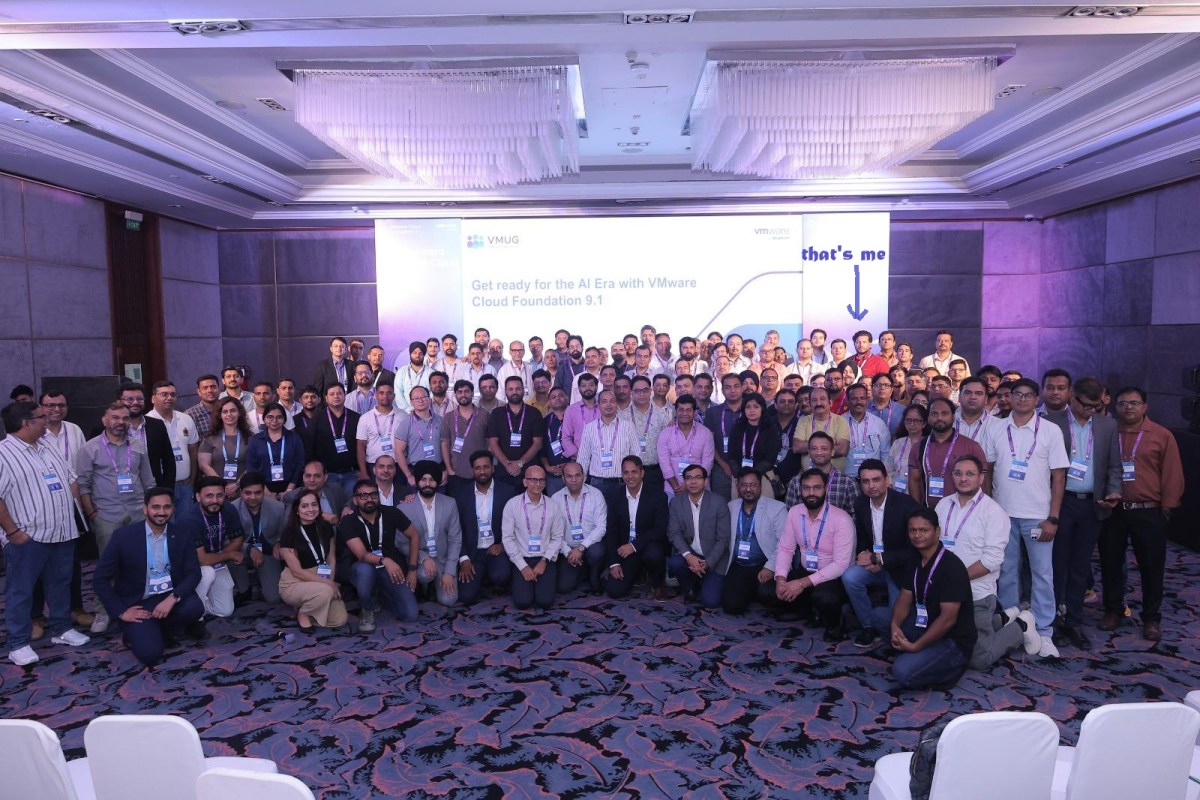
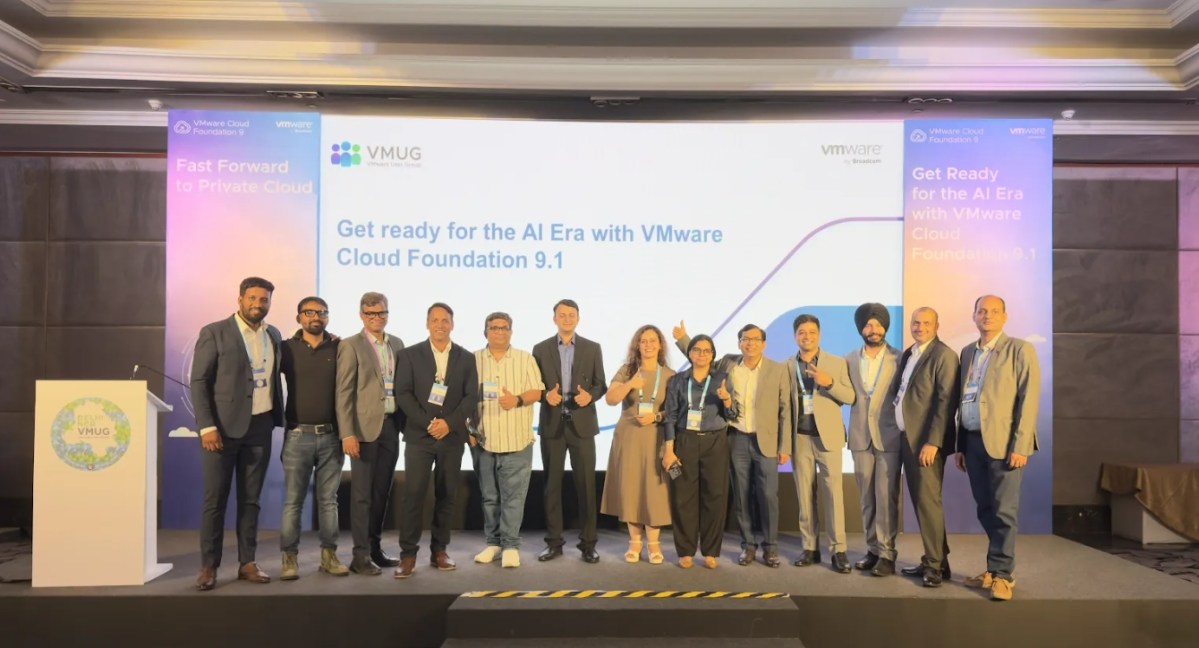
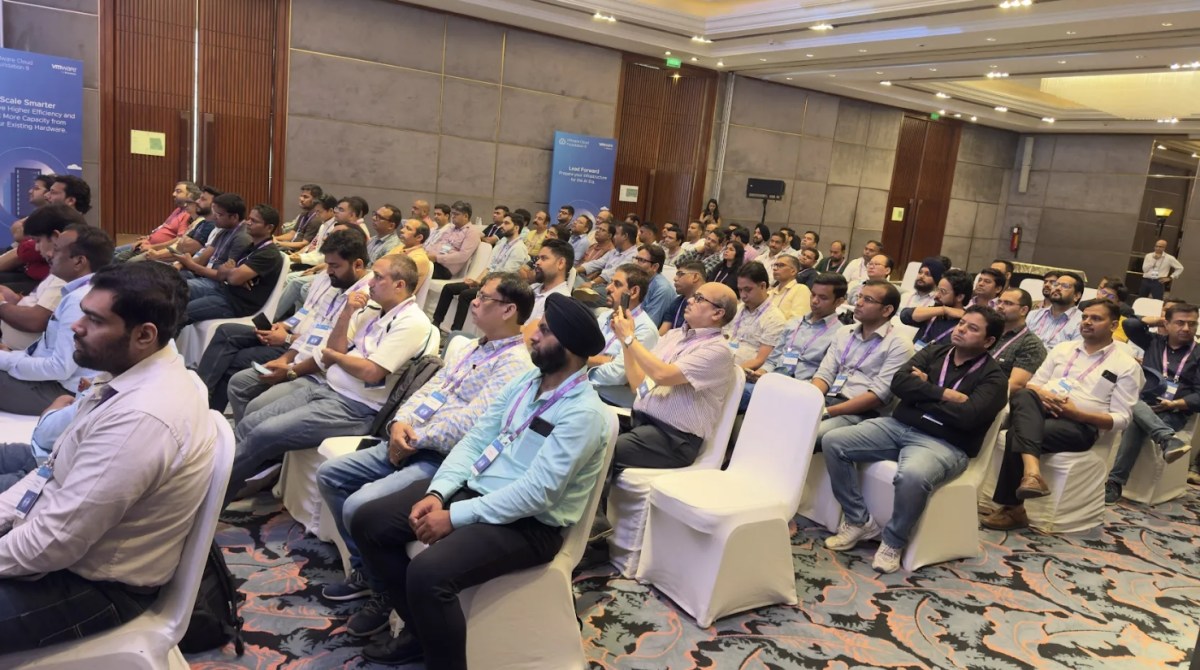
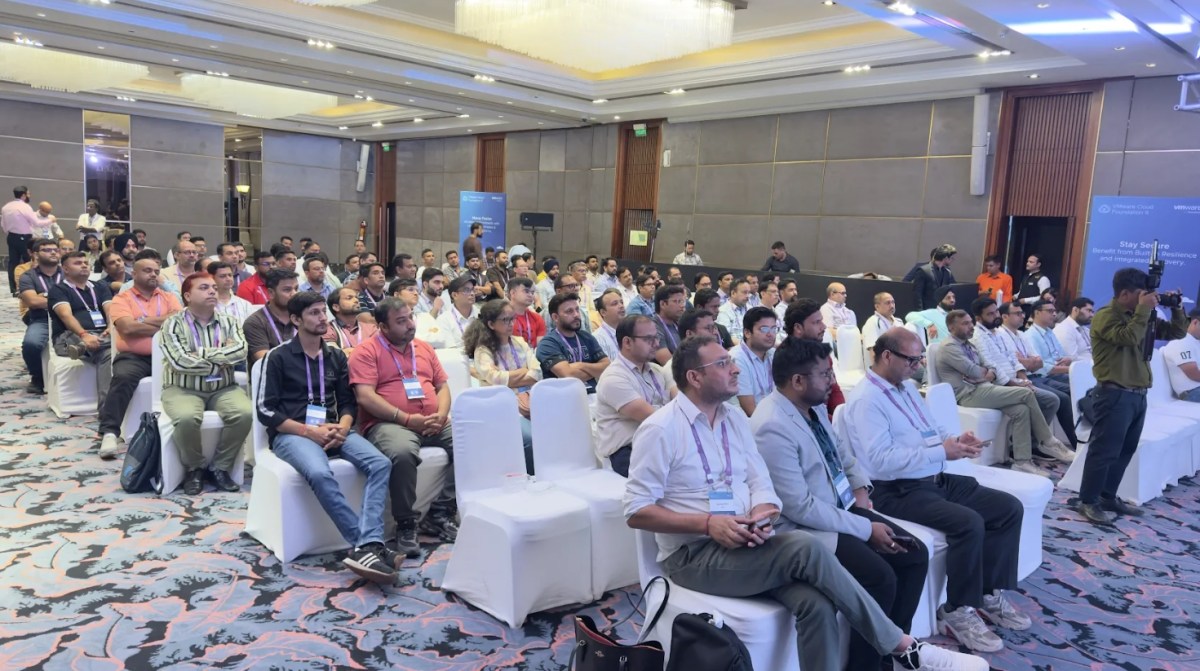
Here is a group photo from the event. I know it’s hard to find me in there.


Technical Highlights
One of the most valuable aspects of attending VMUG events is discovering new capabilities, roadmap updates, and best practices directly from product experts. Below are some of the key technical highlights that stood out to me, topics I wasn’t previously aware of and that made this meetup a fantastic learning opportunity.
This was covered under VKS Session and there are not many things that I am not covering but here are some of the key take-aways.
KubeVM & Containers coming to Automation UI
VCF 9.1 onwards, the VM Service will now be called KubeVM with no changes in feature set or underlying technology. And of course, you can now deploy containers from Automation UI without requiring to deploy a full-fledged K8s cluster to keep the workload footprint minimal.
N-3 Kubernetes version support by VKS
vSphere Kubernetes Service now supports the current Kubernetes release and the three previous major versions as part of VCF 9.1.Earlier, it was N-2.
Virtual Patching
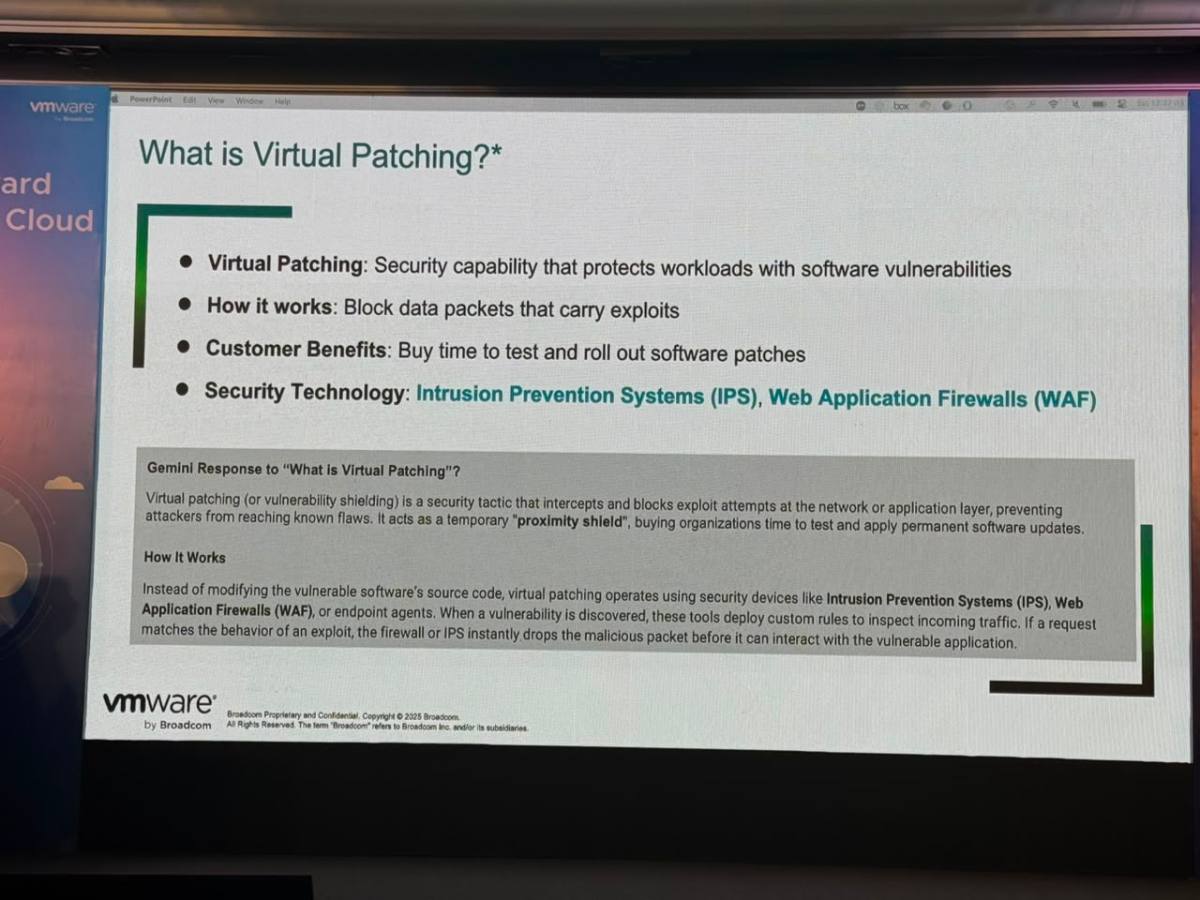
One of the most interesting concepts I learned about during the event was Virtual Patching. Although the name was familiar, I wasn’t aware of how powerful this approach can be in protecting workloads.
Unlike traditional patching, where the vulnerable software itself is updated, Virtual Patching protects systems by blocking exploit attempts at the network or security layer without modifying the underlying operating system or application. This provides an immediate layer of defense against known vulnerabilities, especially zero-day exploits, while organizations plan and test permanent patches.
It can be very useful:
- useful for End-of-Support operating systems
- protects before actual patching
- useful when maintenance windows are difficult
- protects while waiting for downtime

Confidential Computing
Another great topic that caught my attention was Confidential Computing. We are already familiar with securing data at rest and data in transit, but protecting data in memory adds another important layer of security against malicious actors.
This session was presented by Pravin Goyal, who, in my opinion, did an outstanding job. He has an excellent stage presence and a presentation style that keeps the audience engaged with his witty jokes 😂. It was definitely one of the most engaging sessions of the event.
From what I recall, it encrypts the memory data at host level and only VM can decrypts its own data using a unique key. This is hardware specific feature and requires confidential hardware extensions to be enabled. Also, there is 5% overhead generated. Windows OS is not supported yet. Learn more about it here.


VCF Upgrades and VCF Management Services
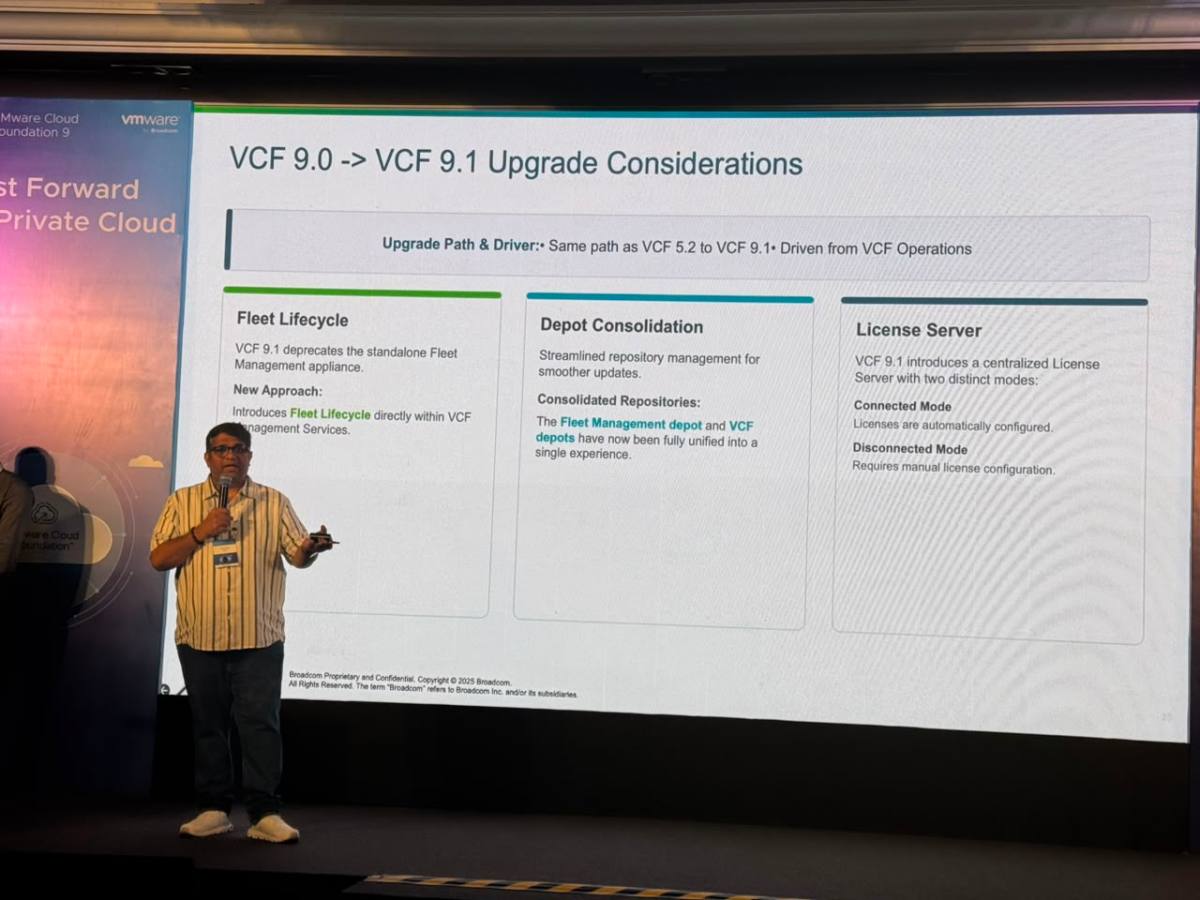
This was covered by Arun Nukula and team. He is VCF Automation Technology Product Manager at Broadcom for last many years. I finally meet him. We have chatted few times earlier but knowing him personally and talking to him about the VCF Automation as well as VCF Management Services itself was kind of cool. Such a great and humble person!

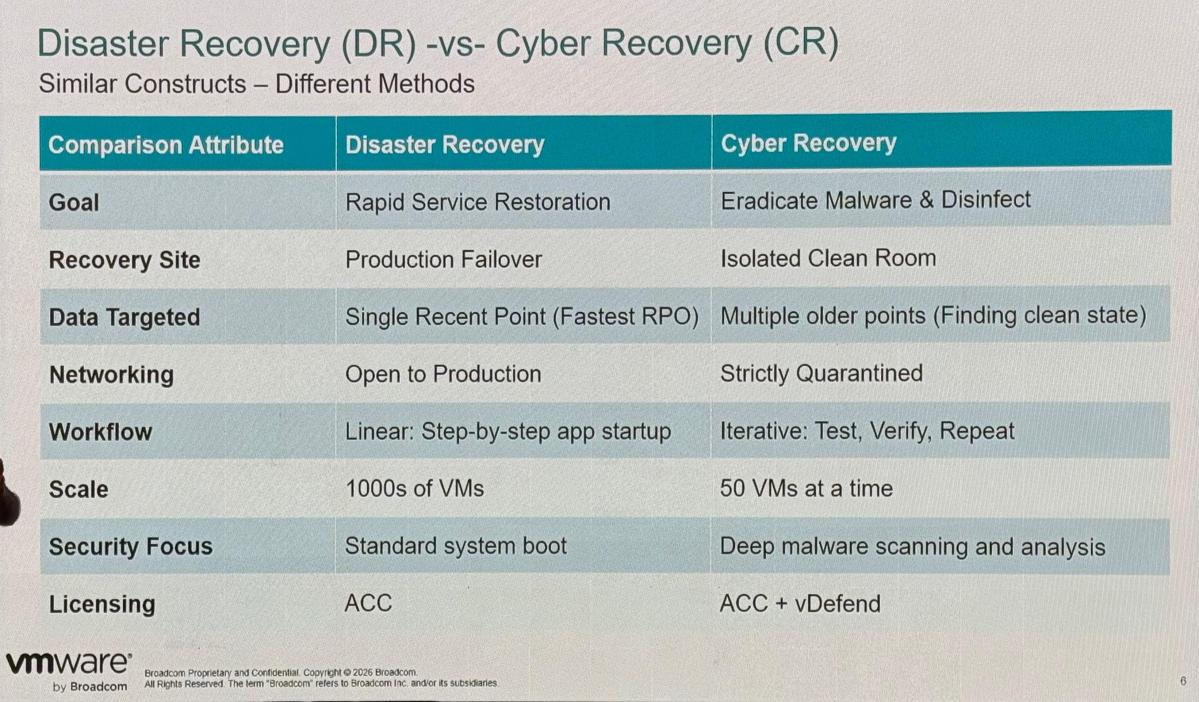
DR vs CR
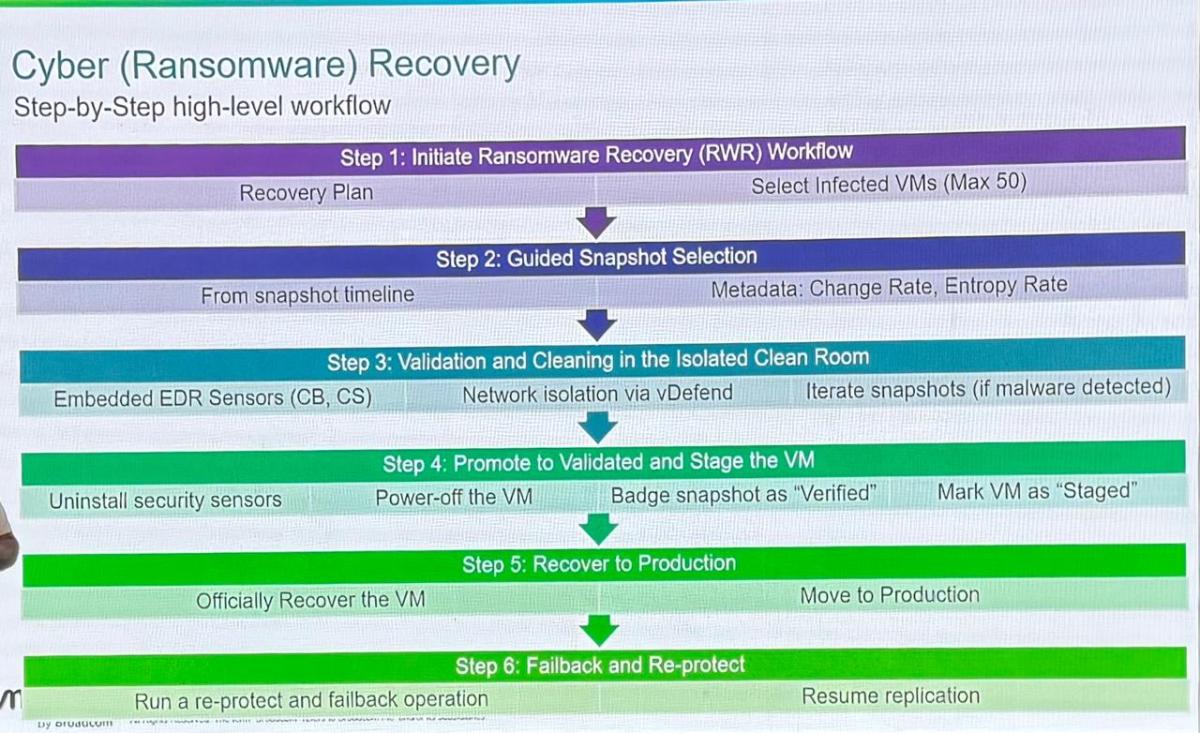
There is a much bigger difference between Disaster Recovery (DR) and Cyber Recovery (CR) than most people realize, and it’s something that often confuses many of us—including me. While both technologies are designed to restore services, their objectives and recovery approaches are fundamentally different. Disaster Recovery focuses on restoring business operations as quickly as possible, whereas Cyber Recovery prioritizes ensuring that recovered workloads are completely free from malware before they are brought back into production.
Disaster Recovery is like quickly washing an entire pile of clothes to get them ready for use again, whereas Cyber Recovery is like meticulously removing a stubborn stain from a white shirt—you inspect, clean, verify, and repeat the process until you’re certain it’s completely clean before putting it back into service.
– Pravin Goyal
Some extras that are good to know
- Multi-VCF Automation support per fleet may come in near future.
- External IDB is mandatory deployment in 9.1. If you are using embedded in 9.0, you would have to migrate your data.
- Salt Raas is integrated in VCF stack and every management components comes pre-backed with Salt minion. There is no additional UI and can be accessed from VCF Operations UI to benchmark or fix configuration drifts etc.
- Identity firewall rules can be applied based on AD users to restrict certain users to access certain IPs and ports.
Final Note
All in all, it was a wonderful experience. From engaging technical discussions and insightful Q&A sessions to casual conversations over tea and coffee, the event offered countless opportunities to connect with experts and network with like-minded professionals from across the region.
Discover more from Cloud Blogger
Subscribe to get the latest posts sent to your email.