
In this article
Here’s a small Orchestrator quirk that can waste an hour of debugging. When you work with vCenter data objects, an array property doesn’t behave like a normal JavaScript array: you can’t add items to it after you set it. In this post, I’ll show what goes wrong, why, and the simple workaround.
Tested on: VCF Operations Orchestrator 9.1.1 (vSphere plug-in, Nov 2026) and vRealize Orchestrator 8.x (original post, 2022).
The problem
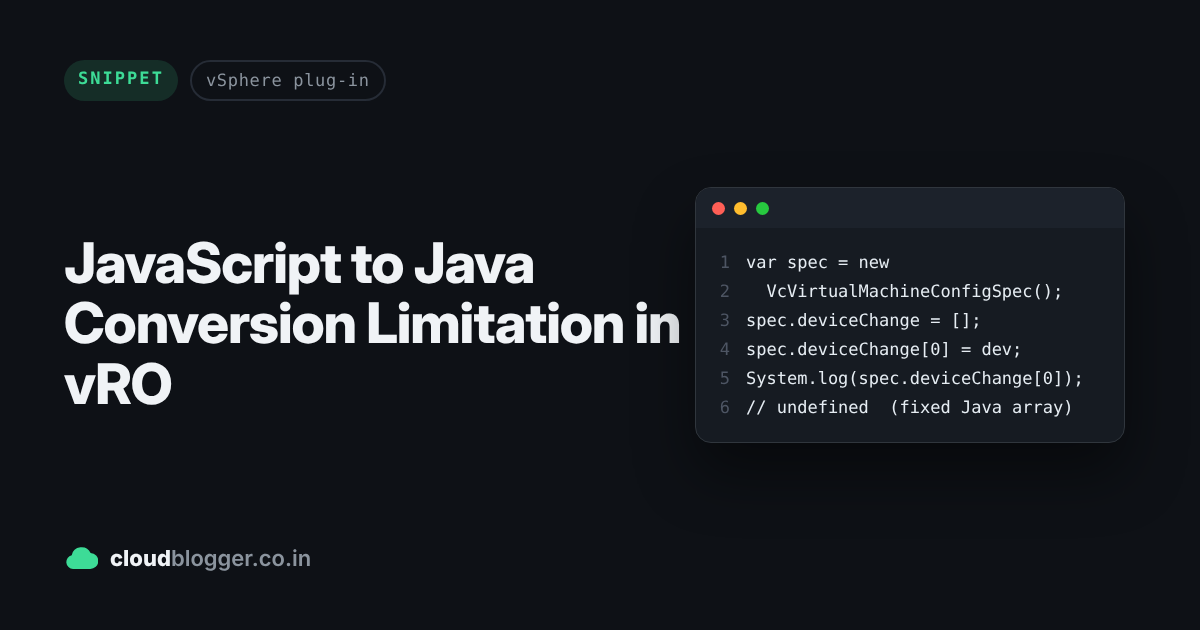
This code looks fine, but the device spec never makes it into deviceChange:
var spec = new VcVirtualMachineConfigSpec();
spec.deviceChange = [];
spec.deviceChange[0] = new VcVirtualDeviceConfigSpec();
System.log(spec.deviceChange[0]); // undefined
System.log(spec.deviceChange.length); // 0
How it works
When Orchestrator runs your script, the vCenter plug-in converts JavaScript arrays into Java arrays of a fixed size. So when you set spec.deviceChange = [], Orchestrator calls setDeviceChange() with an empty, fixed-size Java array VirtualDeviceConfigSpec[].
When you then run spec.deviceChange[0] = ..., Orchestrator calls getDeviceChange(), gets that fixed, empty Java array back, and the new item is silently dropped. There’s no error, which is what makes it tricky.
The workaround
Build the array as a local JavaScript variable first, then assign the whole array to the property:
var spec = new VcVirtualMachineConfigSpec();
var deviceSpec = [];
deviceSpec[0] = new VcVirtualDeviceConfigSpec();
spec.deviceChange = deviceSpec;
System.log(spec.deviceChange.length); // 1
If the property already has items and you want to add more, copy them into a new array and assign it again:
var devices = [];
for (var i = 0; i < spec.deviceChange.length; i++) {
    devices.push(spec.deviceChange[i]);
}
devices.push(new VcVirtualDeviceConfigSpec());
spec.deviceChange = devices;
Things to watch out for
- No error, no warning. Writes to the fixed array are silently ignored, so always check
.lengthwhen something doesn’t show up. push()doesn’t help. On 9.1.1,spec.deviceChange.push(...)is ignored too.- It’s not just
deviceChange. The same applies to any vCenter data object property that takes an array.
Wrapping up
Small thing, but it bites everyone who builds VM reconfiguration specs in Orchestrator. Build the array first, then assign it, and you’re good. This limitation is documented in the vRealize Orchestrator 8.x release notes, and I confirmed it still applies on 9.1.1. See you in the next post.
Discover more from Cloud Blogger
Subscribe to get the latest posts sent to your email.
Enjoyed this post?
Was this helpful?















Leave a Reply