
In this article
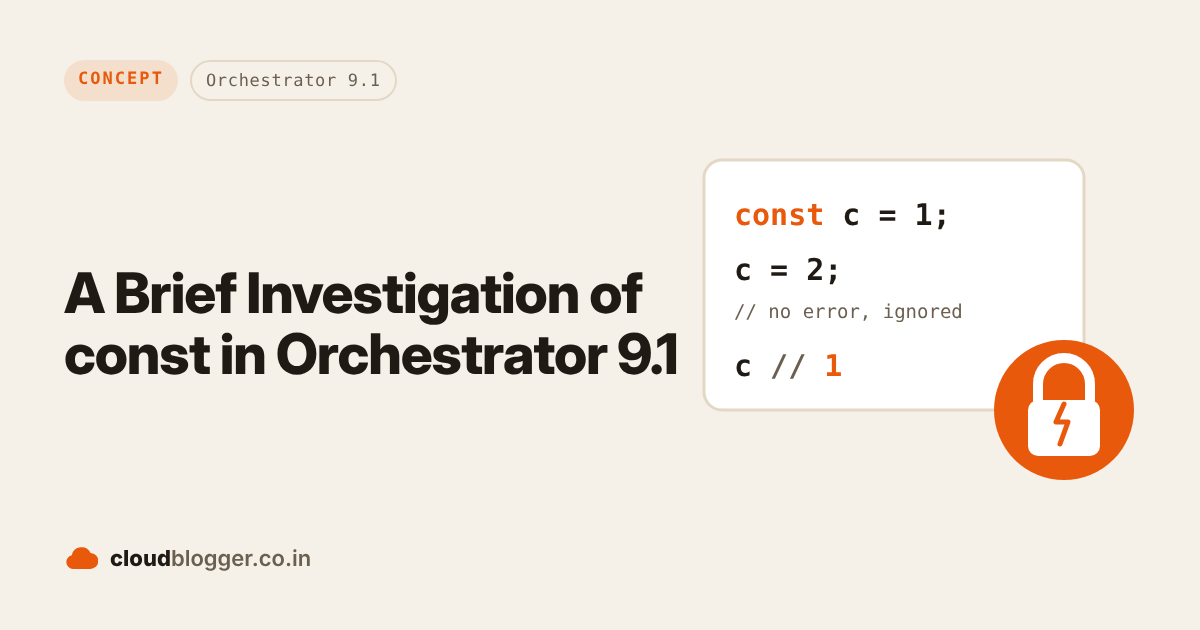
Orchestrator 8.x ran its scripts on Mozilla Rhino 1.7R4, which is basically ECMAScript 5.1. VCF Operations Orchestrator 9.x moved to a newer Rhino (1.8+), and a lot of ES6 now just works: let, arrow functions, template literals, destructuring and more. So I tested whether const finally behaves like the const you know from modern JavaScript. Short answer: only partly, and "use strict" makes a big difference.
Tested on: VCF Operations Orchestrator 9.1.1 (Nov 2026). The original version of this post tested vRealize Orchestrator 8.3 in 2022.
What changed in 9.x
The JavaScript engine is the reason const behaves the way it does. Here’s what I found when I tried common ES6 features in a 9.1.1 action:
| Works in 9.1.1 | Doesn’t work in 9.1.1 |
|---|---|
let (block-scoped) | Spread syntax, e.g. Math.max(...arr) |
| Arrow functions and template literals | class |
| Destructuring and default parameters | async functions |
for...of, Map, Symbol, Promise | const in for...in or for...of loops |
Optional chaining, BigInt, ** |
So the engine is somewhere between ES5.1 and modern JavaScript. You can check what each Rhino version supports on the Rhino compatibility table.
What is const?
Constants are block-scoped variables declared with the const keyword. The value of a constant can’t be changed through reassignment (using the assignment operator), and it can’t be redeclared (through a variable declaration). However, if a constant is an object or array, its properties or items can still be updated or removed.
Typical properties of a const
- Can’t be reassigned.
- Block-scoped.
- Must be given a value on the declaration line.
- A const object’s properties can change, but it can’t point to a new object.
- A const array’s items can change and new items can be added, but it can’t point to a new array.
- Re-declaring a const in a different block scope is allowed.
- Can’t be used before its declaration.
- Creates a read-only reference to a value.
How I tested
I took each property above, wrote a one-line test for it, and compared the result in Orchestrator with the standard behaviour from the MDN reference. Each test runs inside its own function, once as-is and once with "use strict", and goes through eval inside a try/catch, so a test that fails with a SyntaxError doesn’t stop the rest. Here’s a short version you can paste into a scriptable task or action:
// Each test runs in its own function, once as-is and once
// with "use strict", so one SyntaxError doesn't stop the rest.
var tests = {
    "reassign":    ["const c = 1; c = 2;", "c"],
    "no value":    ["const u;", "String(u)"],
    "block scope": ["{ const k = 1; }", "typeof k"]
};
var modes = ["", "'use strict'; "];
for (var name in tests) {
    for (var m = 0; m < modes.length; m++) {
        var src = "(function(){ " + modes[m] + tests[name][0] +
                  " return " + tests[name][1] + "; })()";
        try {
            System.log(name + (m ? " (strict)" : "") + " => " + eval(src));
        } catch (e) {
            System.log(name + (m ? " (strict)" : "") + " => " + e);
        }
    }
}
Test results on 9.1.1
Here’s what VCF Operations Orchestrator 9.1.1 returned for each test:
| Test | Code | Standard JavaScript | Orchestrator 9.1.1 | With “use strict” |
|---|---|---|---|---|
| Reassign | const c = 1; c = 2; | TypeError | No error, c stays 1 | TypeError: Cannot modify readonly property |
| Point to a new object | const o = {x:1}; o = {x:9}; | TypeError | No error, o keeps the old object | TypeError: Cannot modify readonly property |
| Change a frozen object | Object.freeze(f); f.x = 5; | Ignored (TypeError in strict mode) | Ignored, no error | TypeError |
| Declare without a value | const u; | SyntaxError | Allowed, u is undefined | Allowed, u is undefined |
| Use before declaration | var r = b; const b = 3; | ReferenceError | No error, r is undefined | No error, r is undefined |
| Block scope | { const k = 1; } typeof k | “undefined” | “number”, k leaks out of the block | “number”, still leaks |
| Same name in a nested block | const a = 1; { const a = 2; } | Allowed | SyntaxError: redeclaration of const a | SyntaxError |
| const in a for-in loop | for (const p in obj) {} | Works | SyntaxError | SyntaxError |
| Same name as a function, var or const | var y; const y = 1; | SyntaxError | SyntaxError | SyntaxError |
| Change an object property | const o = {x:1}; o.x = 2; | o.x is 2 | o.x is 2 | o.x is 2 |
| Push to an array | const arr = [1]; arr.push(2); | Length 2 | Length 2 | Length 2 |
So without strict mode, const only stops you from reusing a name. Add "use strict" at the top of your script, and reassignments finally throw an error like they should. Scope is still the weak spot: a const leaks out of its { } block in both modes, while let is properly block-scoped on 9.1.1.
Things to watch out for
- Use “use strict” if you want const to protect a value. Without it, reassignments are silently ignored, so a bug won’t show up as an error.
- Use let for block scope. A
constis still visible outside its{ }block, and you can’t reuse the name in a nested block.letdoesn’t have these problems. - Declare before you use. Reading a const before its declaration gives
undefined, not an error. - Avoid const in for-in and for-of loops. It’s a syntax error. Use
letorvarfor the loop variable. - Code shared with 8.x should stay ES5.1. If the same actions also run on Aria Automation Orchestrator 8.x, stick to
var.
Wrapping up
Orchestrator 9.x is a big step forward for JavaScript, but const is still only half there. If you use it, pair it with "use strict", and use let when scope matters. If you like this article, feel free to share and comment. See you in other posts.
Further reading
- JavaScript ES6+: var, let, or const? by Eric Elliott
References
Discover more from Cloud Blogger
Subscribe to get the latest posts sent to your email.
Enjoyed this post?
Was this helpful?
3 responses to “A Brief Investigation of const in Orchestrator 9.1”
-
[…] A brief investigation on vRO const […]
-
[…] A brief investigation on vRO const […]
-
[…] A brief investigation on vRO const […]





















Leave a Reply