
In this article
Imagine your AD account is locked, and you don’t have access to Active Directory or the rights to unlock it. But you, or a colleague, do have access to an Orchestrator that’s connected to that AD. Or maybe you just want to check and unlock an account programmatically, like a service account that gets locked every time you run something. All you need is a simple vRO script.
Tested on: vRealize Orchestrator 8.x with the Active Directory plug-in (2022). The plug-in still ships with VCF Operations Orchestrator 9.1.1, but I haven’t re-run the unlock there, to avoid touching a real account.
The script
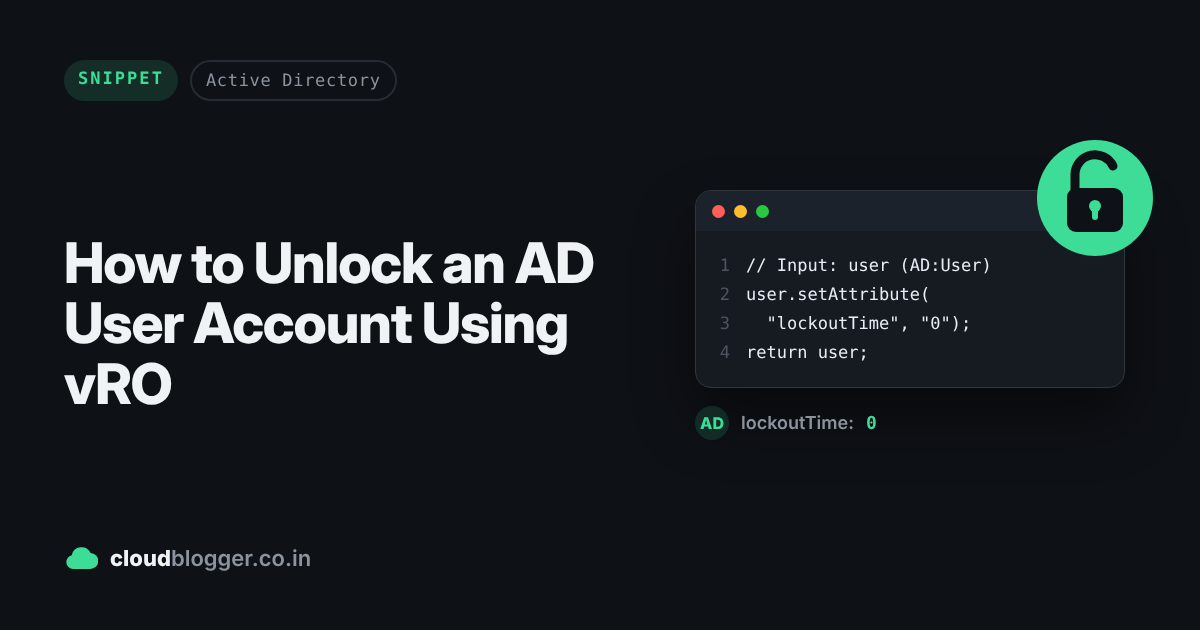
Setting the lockoutTime attribute to 0 unlocks the account. Here’s the whole action:
// Input AD:User
user.setAttribute('lockoutTime','0');
return user;
Step by step
- Create a new action and paste the script above.

- Add an input named
userof typeAD:User. The name must match the variable used in the script.

- Save the action and run it.
- Select the user you want to unlock and click Run.

Result
The action completes successfully, and the account is unlocked.

Other useful attributes
The same setAttribute approach works for other account settings:
- Never expire the account:
user.setAttribute("accountExpires", "0");(AD treats both0and9223372036854775807as “never”). - Never expire the password:
user.setAttribute("userAccountControl", 66048);(66048 = 512, a normal account, plus 65536, password never expires). - Set the email address:
user.setAttribute("mail", "name@example.com");
Things to watch out for
- Permissions: the account the AD plug-in connects with needs rights to write these attributes on the user.
- Unlocking doesn’t fix the cause: if the lock came from a wrong password stored somewhere, like a service still using old credentials, the account will lock again until that’s updated.
Wrapping up
A three-line action can save you a ticket to the AD team. If you use it in a different way, feel free to share it in the comments. See you in the next post.
Discover more from Cloud Blogger
Subscribe to get the latest posts sent to your email.
Enjoyed this post?
Was this helpful?
2 responses to “How to Unlock an AD User Account Using vRO”
-
Did you find a way to reset a password of ad:user?
-
user.setPassword(password); //user of type AD:User
-


















Leave a Reply