
In this article
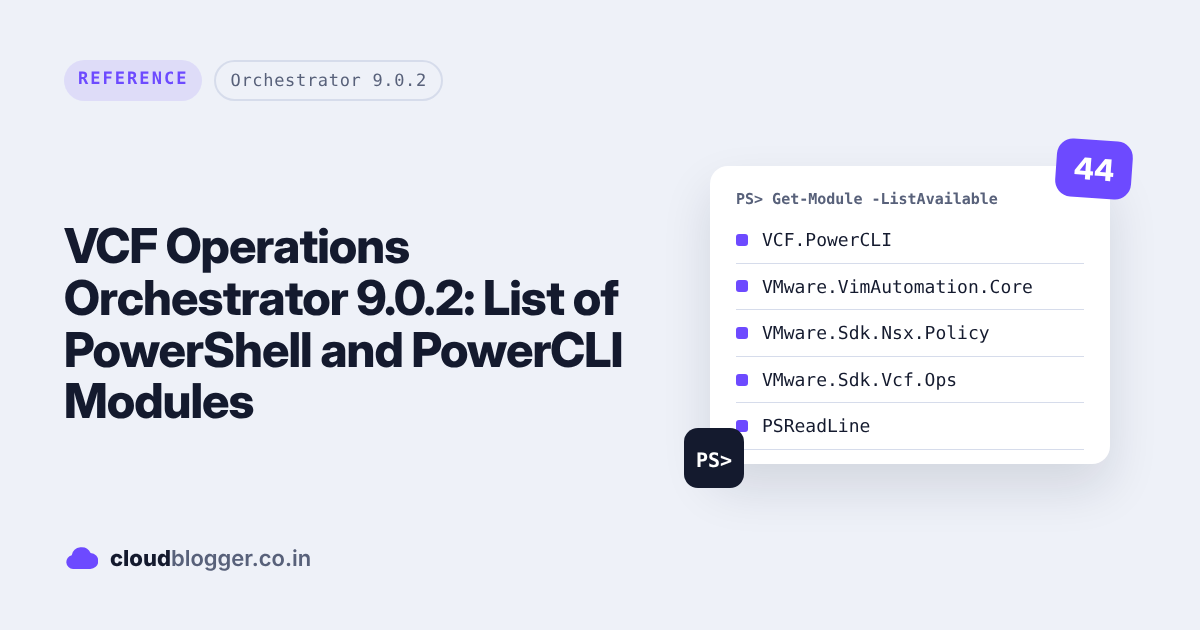
PowerShell 7.4
| Module Name | Version |
|---|---|
| Microsoft.PowerShell.Host | 7.0.0.0 |
| Microsoft.PowerShell.Management | 7.0.0.0 |
| Microsoft.PowerShell.Security | 7.0.0.0 |
| Microsoft.PowerShell.Utility | 7.0.0.0 |
| PackageManagement | 1.4.8.1 |
| PowerShellGet | 2.2.5 |
| PSReadLine | 2.3.6 |
PowerCLI
| Module Name | Version |
|---|---|
| Microsoft.PowerShell.Host | 7.0.0.0 |
| Microsoft.PowerShell.Management | 7.0.0.0 |
| Microsoft.PowerShell.Security | 7.0.0.0 |
| Microsoft.PowerShell.Utility | 7.0.0.0 |
| PackageManagement | 1.4.8.1 |
| PowerShellGet | 2.2.5 |
| PSReadLine | 2.3.6 |
| VCF.PowerCLI | 9.0.0.24798382 |
| VMware.CloudServices | 13.4.0.24798382 |
| VMware.DeployAutomation | 13.4.0.24798382 |
| VMware.ImageBuilder | 13.4.0.24798382 |
| VMware.OpenAPI | 13.4.0.24798382 |
| VMware.PowerCLI.VCenter | 13.4.0.24798382 |
| VMware.Sdk.Nsx.Policy | 13.4.0.24798382 |
| VMware.Sdk.Nsx.Policy.GlobalInfra | 13.4.0.24798382 |
| VMware.Sdk.Nsx.Policy.Infra | 13.4.0.24798382 |
| VMware.Sdk.Nsx.Policy.Initialize | 13.4.0.24798382 |
| VMware.Sdk.Srm | 13.4.0.24798382 |
| VMware.Sdk.Vcf.CloudBuilder | 13.4.0.24798382 |
| VMware.Sdk.Vcf.Installer | 13.4.0.24798382 |
| VMware.Sdk.Vcf.Ops | 13.4.0.24798382 |
| VMware.Sdk.Vcf.SddcManager | 13.4.0.24798382 |
| VMware.Sdk.Vr | 13.4.0.24798382 |
| VMware.Sdk.vSphere | 13.4.0.24798382 |
| VMware.Vcf.SddcManager | 13.4.0.24798382 |
| VMware.Vim | 9.0.0.24798382 |
| VMware.VimAutomation.Cis.Core | 13.4.0.24798382 |
| VMware.VimAutomation.Cloud | 13.4.0.24798382 |
| VMware.VimAutomation.Common | 13.4.0.24798382 |
| VMware.VimAutomation.Core | 13.4.0.24798382 |
| VMware.VimAutomation.Hcx | 13.4.0.24798382 |
| VMware.VimAutomation.License | 13.4.0.24798382 |
| VMware.VimAutomation.Nsxt | 13.4.0.24798382 |
| VMware.VimAutomation.Sdk | 13.4.0.24798382 |
| VMware.VimAutomation.Security | 13.4.0.24798382 |
| VMware.VimAutomation.Srm | 13.4.0.24798382 |
| VMware.VimAutomation.Storage | 13.4.0.24798382 |
| VMware.VimAutomation.StorageUtility | 1.6.1 |
| VMware.VimAutomation.Vds | 13.4.0.24798382 |
| VMware.VimAutomation.Vmc | 13.4.0.24798382 |
| VMware.VimAutomation.Vpc | 13.4.0.24798382 |
| VMware.VimAutomation.vROps | 13.4.0.24798382 |
| VMware.VimAutomation.WorkloadManagement | 13.4.0.24798382 |
| VMware.VumAutomation | 13.4.0.24798382 |
Code I used to get the list
function Handler($context, $inputs) {
    $inputsString = $inputs | ConvertTo-Json -Compress
    Write-Host "Inputs were $inputsString"
    Write-Host "Listing available PowerShell modules..."

    # Get module information
    $modules = Get-Module -ListAvailable | Select-Object Name, Version, Path, ModuleType

    # Create a table string
    $tableString = "Module Name`tVersion`tPath`tType`n"
    $tableString += "----------------------------------`n"

    foreach ($module in $modules) {
        $tableString += "$($module.Name)`t$($module.Version)`t$($module.Path)`t$($module.ModuleType)`n"
    }

    # Write the table
    Write-Host $tableString

    # Add to output
    $output = @{
        status = 'done'
        modules = @($modules | ForEach-Object {
            @{
                Name = $_.Name
                Version = $_.Version
                Path = $_.Path
                ModuleType = $_.ModuleType
            }
        })
    }

    return $output
}Discover more from Cloud Blogger
Subscribe to get the latest posts sent to your email.
Enjoyed this post?
Was this helpful?










Leave a Reply